Business cards remain one of the most cost-effective and tangible marketing tools available to professionals. Whether you are a freelancer, startup founder, or established enterprise, a well-designed business card reinforces credibility and brand identity. Today, dozens of online business card makers promise professional templates, customization tools, and affordable pricing—but they differ significantly in quality, flexibility, and value.
TLDR: We compared 18 business card makers based on features, template quality, customization flexibility, printing options, and pricing. Canva and Vistaprint stand out for ease of use and print services, while Adobe Express and VistaCreate offer more advanced design control. Moo and Zazzle excel in premium printing options, whereas budget users may prefer tools like FreeLogoServices and Jukebox. Choosing the right platform depends on whether you prioritize creative control, print quality, or affordability.
What to Look for in a Business Card Maker
Before reviewing the tools, it is important to understand the criteria used in this comparison:
- Template Quality: Modern, industry-specific designs.
- Customization Tools: Fonts, color control, upload capability, alignment features.
- Printing Services: Integrated professional printing or download-only.
- Pricing Structure: Free plan availability, cost per card batch, subscription requirements.
- User Experience: Ease of use and performance.

Comparison Chart: 18 Business Card Makers
| Tool | Best For | Templates | Printing Available | Starting Price |
|---|---|---|---|---|
| Canva | All-around ease | 10,000+ | Yes | Free / Print from $14.99 |
| Vistaprint | Integrated printing | 1,500+ | Yes | From $16 |
| Adobe Express | Design flexibility | 1,000+ | No | Free / $9.99 mo |
| VistaCreate | Modern templates | 1,000+ | No | Free / $10 mo |
| Moo | Premium print quality | 250+ | Yes | From $24.99 |
| Zazzle | Creative marketplace | 3,000+ | Yes | From $20 |
| Squarespace | Brand consistency | Limited | Yes | Subscription |
| Shopify Hatchful | Entrepreneurs | Basic | No | Free |
| Fotor | Quick edits | 500+ | No | Free / $8.99 mo |
| Jukebox | Custom finishes | Limited | Yes | From $19 |
| UPrinting | Bulk orders | Upload only | Yes | From $9.99 |
| PsPrint | Affordable printing | Upload | Yes | From $8.88 |
| GotPrint | Budget printing | Upload | Yes | From $7.63 |
| Staples | Local pickup | 200+ | Yes | From $14.99 |
| Office Depot | Business services | 200+ | Yes | From $15 |
| Lucidpress | Brand control | 100+ | No | From $10 mo |
| FreeLogoServices | Simple branding | Basic | Yes | From $9.99 |
| Crello | Social design crossover | 1,000+ | No | Free / $10 mo |
Top All-Around Business Card Makers
1. Canva
Strength: Balance of usability and customization.
Canva offers drag-and-drop simplicity with one of the largest libraries of business card templates available. Users can upload logos, adjust typography, and export print-ready PDFs. Canva’s integrated print service offers competitive pricing and reliable quality.
Best for small businesses and freelancers seeking affordability with creative flexibility.
2. Vistaprint
Strength: Streamlined print process.
Vistaprint focuses heavily on printing services. While its editor is less flexible than Canva’s, it simplifies the ordering process and offers finishes such as matte, glossy, and embossed options.
Ideal for users who prioritize printing over advanced design tools.
3. Adobe Express
Strength: Professional-level customization.
Adobe Express provides advanced control over fonts, alignment, and brand kits. It is particularly suited to users already familiar with Adobe products. However, users must export files and arrange print separately.
Best for Premium Printing
4. Moo
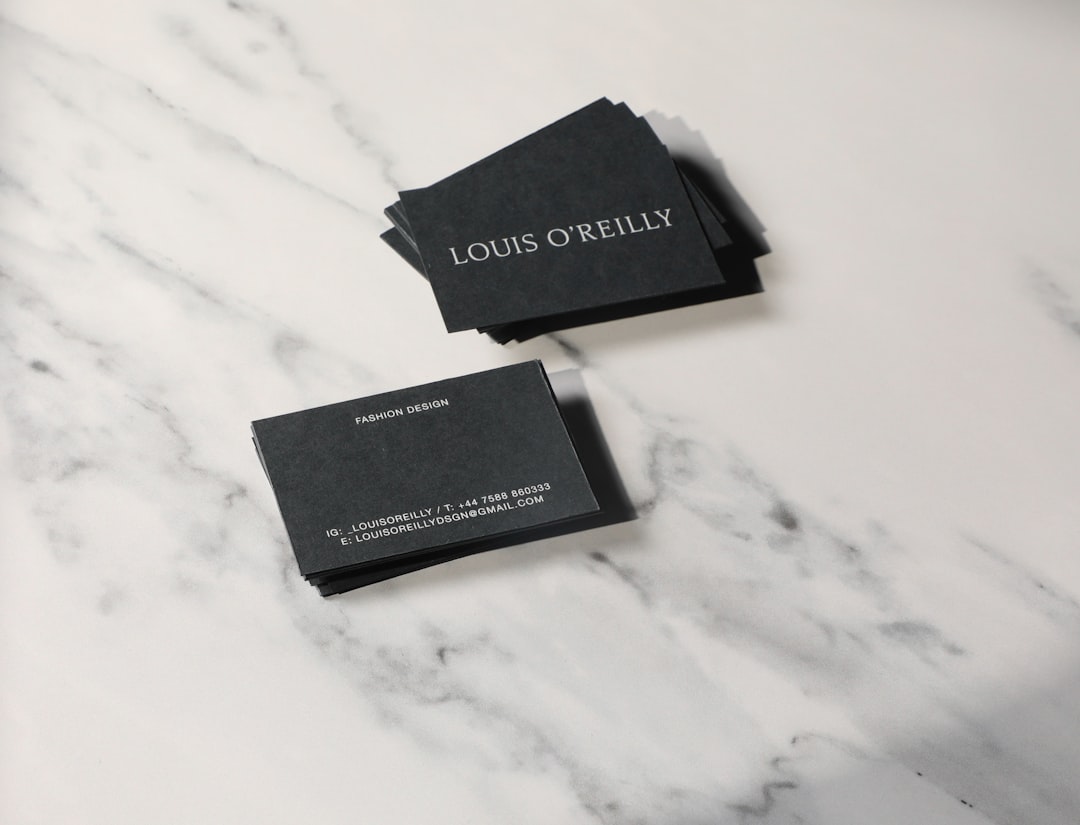
Moo distinguishes itself with exceptional paper quality and premium finishes, including foil accents and rounded corners. Pricing is higher than competitors, but quality is noticeably superior.
5. Jukebox Print
Jukebox specializes in unique stocks and finishes, including recycled materials and ultra-thick cards. Templates are minimal, so design files often need to be prepared externally.
6. Zazzle
Zazzle operates as a design marketplace. Independent designers contribute templates, resulting in highly creative choices. Quality varies depending on supplier options chosen.
Best Budget Options
7. GotPrint
One of the lowest base prices for bulk orders. The platform is print-focused, meaning designs need to be ready for upload.
8. PsPrint
Competitive pricing and regular discounts make PsPrint attractive for startups ordering in volume.
9. FreeLogoServices
Geared toward entrepreneurs who create a logo and matching card simultaneously. Design flexibility is limited but straightforward.
Best for Brand-Controlled Teams
10. Lucidpress
Lucidpress allows companies to lock brand assets, fonts, and colors into templates. This ensures consistency across teams and franchise locations.
11. Squarespace
Integrated with its website builder, Squarespace ensures cohesive branding. Design options are limited but clean and professional.
Quick Design Tools
12. VistaCreate
Offers modern design layouts and animation tools (though animations are not relevant for print). Exports are high quality.
13. Fotor
A lightweight alternative for simple card layouts. Editing tools are easy to use but less comprehensive.
14. Crello
A social graphics tool adapted for print use. Templates are trendy but less business-focused.
Office Service Providers
15. Staples
Offers same-day print services in select locations, ideal for urgent needs.
16. Office Depot
Provides in-store pickup and consultation, which may benefit less tech-savvy users.
17. UPrinting
Focused on commercial-scale jobs. Strong bulk pricing and customization options.
18. Shopify Hatchful
Primarily a logo generator, Hatchful offers matching business card downloads but does not provide advanced editing or printing.
Pricing Considerations
Pricing varies widely depending on:
- Quantity Ordered
- Paper Type
- Finish (matte, glossy, foil, embossing)
- Shipping Speed
Budget printing can start under $10 for 100 cards, while premium services like Moo may exceed $40 for comparable quantities. Subscription-based design tools (e.g., Adobe Express, Lucidpress) add monthly costs but offer broader branding capabilities.
Final Assessment
No single business card maker is universally superior. The right choice depends on professional needs:
- For ease and versatility: Canva.
- For premium finishes: Moo.
- For strict brand management: Lucidpress.
- For bulk affordability: GotPrint or PsPrint.
- For quick local pickup: Staples or Office Depot.
Businesses should prioritize consistent branding, high-resolution design files, and suitable paper finishes that reflect their industry positioning. A thoughtfully chosen business card still makes a lasting first impression—and selecting the right creator tool ensures that impression aligns with your professional standards.