
When you’re running a shop, choosing the right POS (Point of Sale) system is a big deal. It’s the digital brain of your business. A good POS system keeps the checkout line moving, tracks sales, manages inventory, and even helps you understand your customers better. But here’s the secret sauce — it all starts with the hardware.
TL;DR
Picking the right POS hardware is key to fast checkouts and happy customers. You’ll need a touchscreen, a receipt printer, a barcode scanner, and maybe a cash drawer. Think about your space, your budget, and how your staff will use it. Go for reliable brands and devices that grow with your business.
What Is a POS System, Really?
A POS system is much more than a fancy cash register. It’s the full setup that lets you ring up sales, take payments, and keep everything in sync behind the scenes. It includes software, sure — but today, we’re focusing on the hardware side of things.
Why Hardware Matters
If your POS software is the brain, then the hardware is the body. And guess what? A brain isn’t much use without arms to grab things or eyes to scan a barcode!
Better hardware means:
- Faster checkout times
- Fewer technical issues
- More happy customers
- A system that lasts you for years
The Must-Have Pieces of POS Hardware
Let’s break it down. Here’s what most cashier machines or POS setups need:
1. Touchscreen Monitor or Tablet
Your staff needs to tap buttons fast. A touchscreen helps you do just that. No mouse. No keyboard. Just good ol’ fingers and a screen.
Recommended: iPad POS setups for smaller shops, or a 15” touchscreen monitor for larger counters.
2. POS Terminal or Computer
This is what runs your POS software. If you’re using a tablet, it’s all-in-one. But if you have a monitor, you’ll likely need a small computer to go with it.
Tip: Choose a fanless mini PC. Quieter, cooler, and more reliable!
3. Receipt Printer
Still essential for most retail shops. It should print fast and not run out of paper every hour.
Good pick: Epson TM-T20III or Star Micronics TSP143III — fast, quiet, and USB-supported. Works great with many POS systems.
4. Cash Drawer
Yes, cash still exists! Even if most people use cards or tap to pay, you’ll want a drawer for coins and bills.
Look for: A drawer that connects right to the receipt printer — it pops open automatically after a sale.
5. Barcode Scanner
Speed is the name of the game. Instead of typing in product codes, a barcode scanner gets it done in a blink.
- Wired scanner: Reliable and budget-friendly
- Wireless scanner: Great for mobility and hustle
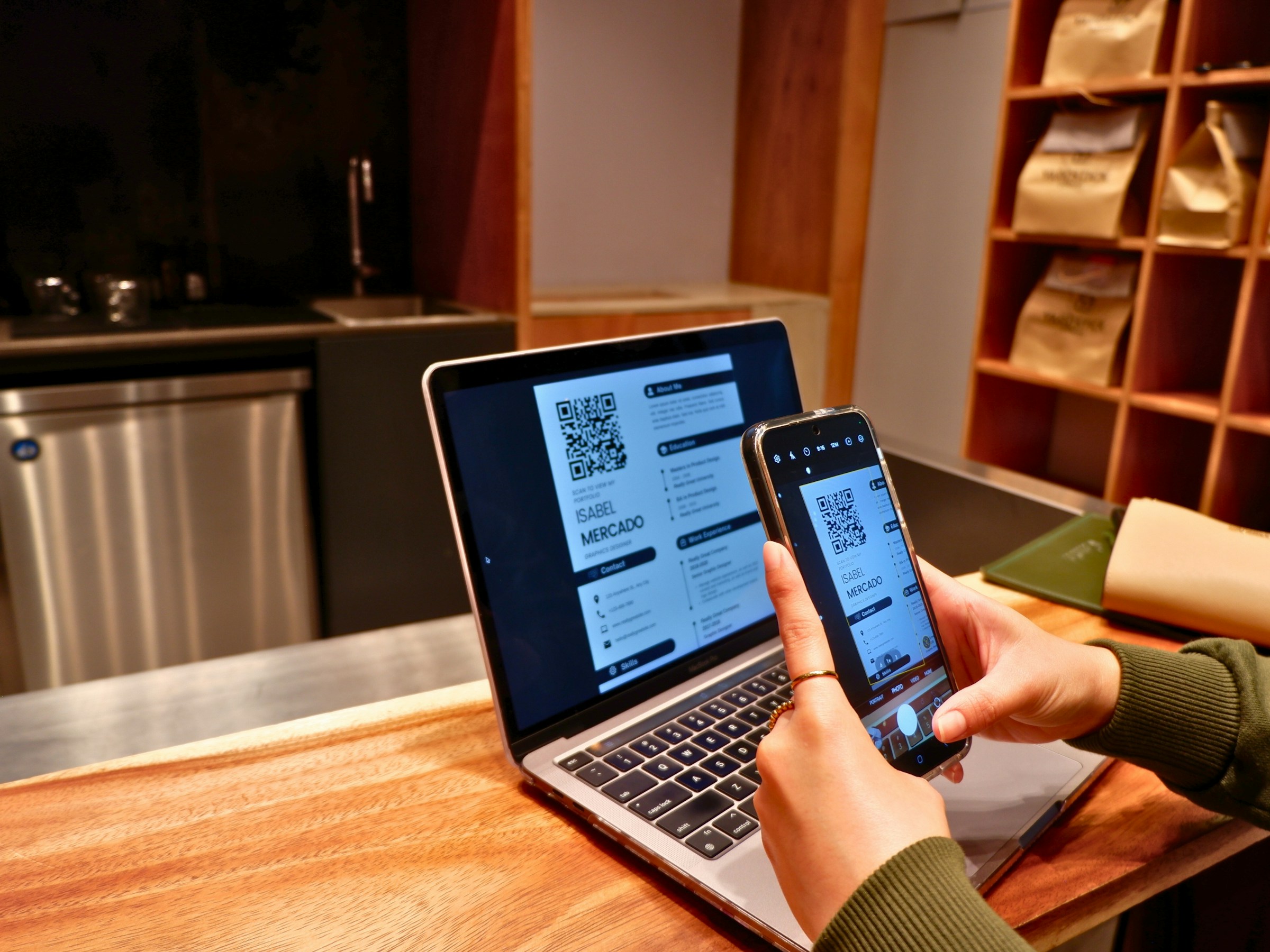
- 2D scanner: Reads QR codes too. Nice if you use modern packaging or contactless pay options
6. Customer Display
Let customers see what they’re buying. Prices, items, totals — it’s all about transparency and trust.
Many POS systems let you use a small second screen facing the customer. Some even show promotions!
7. Payment Terminal
Time to tap, swipe, or insert! Make sure your payment terminal accepts:
- Debit and credit cards
- EMV chip cards
- Contactless pay (Apple Pay, Google Pay, etc.)
Get a terminal that connects smoothly with your chosen POS system. PAX, Square, and Clover all make solid options.
Consider Your Store Layout
All hardware choices depend a little on your setup. Think about:
- Counter space: Do you have room for a large monitor?
- Electrical outlets: Will everything plug in?
- Internet connection: Wi-Fi or hardwired?
For tight counters, all-in-one systems like the Square Register or Toast POS are lifesavers. Minimal cords, sleek design, and a nice customer-facing display.
Durability Counts
This isn’t your home PC. It’s going to be used all day, every day. You’re dealing with spills, bumps, maybe even breadcrumbs from the lunch rush.
So here’s the goal: rugged, spill-resistant, and easy to clean.
Look for hardware that’s made for retail environments — or better yet, restaurants, which are even tougher!
Top Recommendations (By Budget)
Small Business, Tight Budget
- iPad + Square Stand
- Star Micronics TSP100 Printer
- Socket Mobile Bluetooth Scanner
- APG Vasario Cash Drawer
Mid-Range Retail Setup
- Windows PC + Touchscreen Monitor (15”)
- Epson TM-T88VI Receipt Printer
- Zebra DS2208 Barcode Scanner
- MMF Cash Drawer
High-End, Large Volume Store
- All-in-one system like Clover Station or Lightspeed POS Hardware
- Integrated barcode scanner + scale
- Smart receipt printer + digital inventory tracking
Don’t Forget Support
Hardware is only as good as the support behind it. Choose equipment from brands that offer:
- Easy setup guides
- Responsive tech support
- Long-term warranty
It’s tempting to save by shopping the cheapest options online, but if they fail during a rush — ouch. You’ll wish you’d spent a bit more for reliability.
Pro Tips Before You Buy
- Check compatibility: Make sure your hardware plays nice with your POS software
- Plan to grow: Buy equipment that can scale as your business grows
- Test in-store: If possible, get a demo or trial run — don’t fly blind
Conclusion: Your POS, Your Power Tool
Your POS system is your sidekick. It handles payments, keeps things moving, and makes sure every penny is counted. The hardware you choose makes or breaks the experience — both for your staff and your customers.
So go ahead, invest wisely. Pick machines that are fast, strong, and built to last. Because your business deserves more than just a beep and buzz. It deserves a checkout experience that shines!