
Building websites with Java can feel scary at first. Big words. Many tools. Lots of buttons. But here is the good news. You can learn it step by step. You can even have fun while doing it. This guide will walk with you from zero to solid ground.
TLDR: This article shows how to build strong websites using Java, one simple step at a time. You will learn tools, structure, and best practices. We use clear language, small steps, and real examples. By the end, Java web development will feel friendly.
Step 1: Understand What Java Does on the Web
Java is a programming language. It is old, but powerful. It runs on many machines. It is famous for stability.
On the web, Java usually lives on the server. It handles logic. It talks to databases. It sends data to the browser.
Java is not the same as JavaScript. The names are confusing. But they are different tools.
- Java runs on the server.
- JavaScript runs in the browser.
- They can work together.
Java shines when you need speed, security, and structure.

Step 2: Set Up Your Tools
Good tools make life easier. Bad tools make you cry.
Start with these basics.
- Java Development Kit (JDK)
- An IDE like IntelliJ IDEA or Eclipse
- Build tool like Maven or Gradle
The JDK lets your computer run Java code. An IDE is your smart editor. It helps you write and fix code fast.
Maven and Gradle manage libraries. They save time. They avoid chaos.
Install everything slowly. Follow official guides. Take breaks.
Step 3: Learn the Basics of Java Syntax
You do not need to know everything. You need the basics.
Focus on these ideas.
- Variables
- Methods
- Classes
- Loops
- Conditionals
Java likes structure. Everything lives in a class. Code is neat and clear.
Write small programs first. Print messages. Do math. Read input.
Short practice beats long theory.
Step 4: Choose a Java Web Framework
Raw Java is powerful. But it is slow to build websites with it alone.
This is where frameworks help.
The most popular choice is Spring Boot.
Spring Boot makes setup easy. It removes boring work. It follows smart defaults.
- Fast project creation
- Built in server
- Strong community
You can start a web app in minutes. That feels good.
Step 5: Build Your First Simple Web Page
Now the fun starts.
Create a new Spring Boot project. Use a template generator if you want.
Add a controller. This is a Java class. It handles web requests.
One method. One URL. One response.
When you open the browser and see your message, celebrate. That moment matters.
It means your server works. Your code works. You are building.
Step 6: Understand MVC
MVC sounds scary. It is not.
It means Model View Controller.
- The Model holds data
- The View shows data
- The Controller connects them
This pattern keeps code clean. It avoids mess.
Java loves patterns. MVC is your friend.
You will thank it later.
Step 7: Work with Databases
Websites often need memory. Real memory. Not just variables.
That is where databases come in.
Common choices are:
- MySQL
- PostgreSQL
- H2 for testing
Spring Boot works well with databases. It uses tools like JPA and Hibernate.
Do not panic about long names. They help Java talk to tables.
You write Java classes. Java saves them as rows.
This feels like magic.
Step 8: Handle Forms and User Input
Websites talk back to users.
Forms are how users reply.
Java can read form data. It can check it. It can store it.
Always validate input.
- Check length
- Check format
- Never trust user input
This keeps your site safe.
It also keeps bugs away.
Step 9: Add Security Early
Security is not optional.
Java is strong here.
Spring Security helps with:
- Login systems
- Roles and permissions
- Password encryption
Start simple.
Add login. Protect pages.
Later, add more rules.

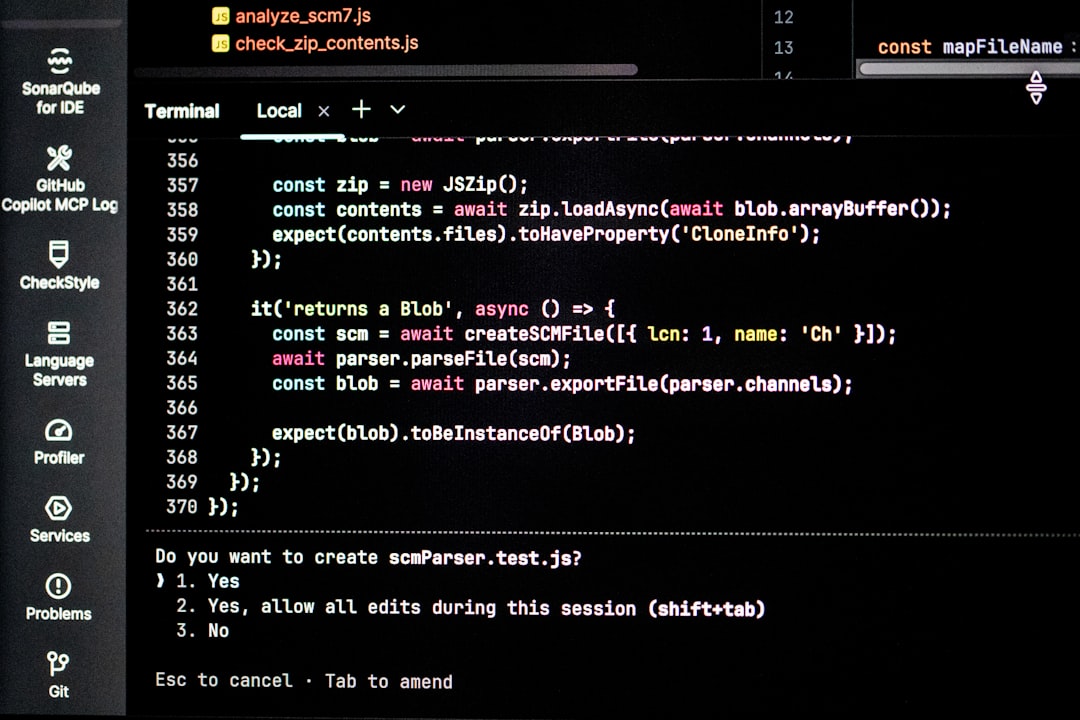
Step 10: Write Tests
Tests feel boring. Tests save time.
Java has great testing tools.
- JUnit
- Mockito
Write tests for important logic.
Test before bugs reach users.
Good tests bring confidence.
Step 11: Optimize and Refactor
First code is rarely perfect.
That is okay.
Look for:
- Duplicate code
- Long methods
- Slow queries
Fix a little at a time.
Java code ages well when cleaned.
Step 12: Deploy Your Website
A website is useless on your laptop.
It needs a home.
Popular choices are:
- Cloud platforms
- Virtual servers
- Container systems
Spring Boot apps are easy to run.
One command. One file.
Your site is alive.
Step 13: Keep Learning
Java never stops growing.
Web development changes fast.
Read blogs. Watch talks. Build side projects.
Every project teaches something new.
Every bug makes you smarter.
Final Thoughts
Building robust websites with Java is a journey. Not a race.
Take small steps. Celebrate wins.
Java rewards patience.
With the right tools and habits, you can build sites that last for years.
And yes. You can enjoy it too.