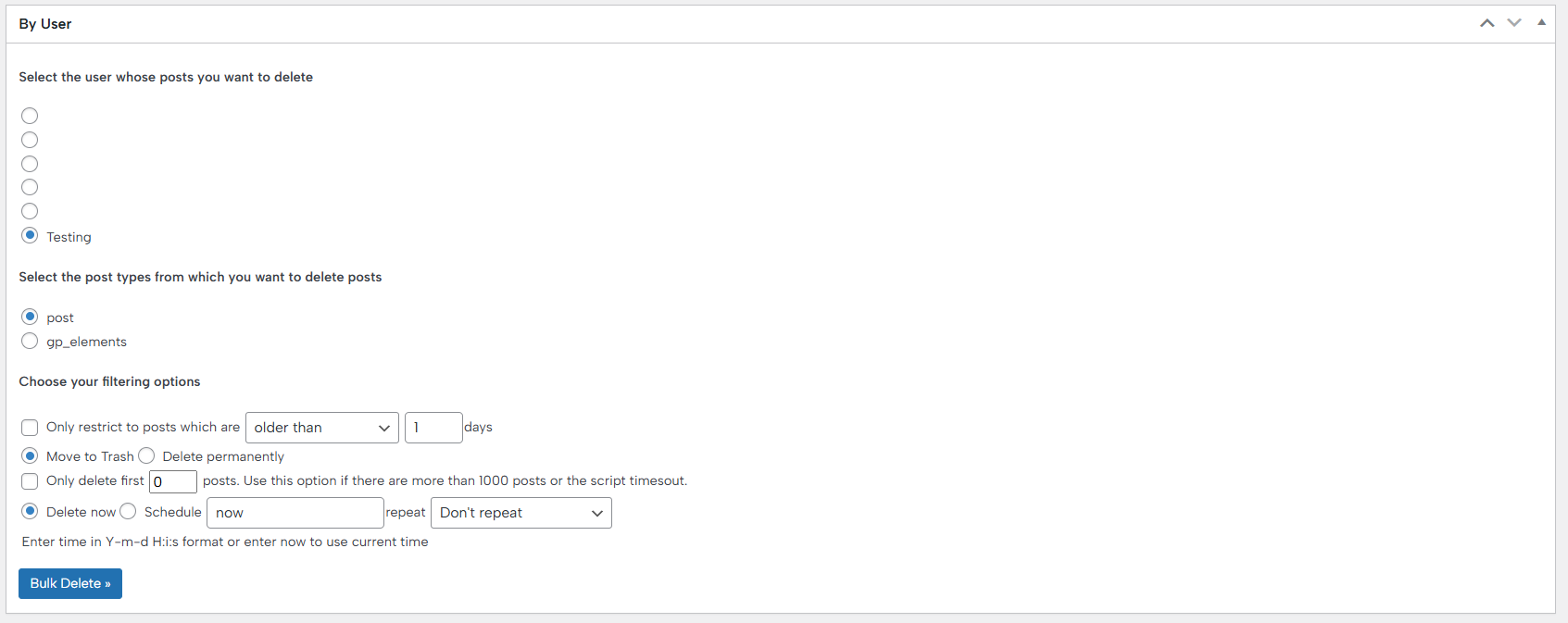
Bulk Delete Posts
The first feature offered by the plugin is bulk post removal, allowing you to remove posts based on various criteria, such as:
‣ By Post Status
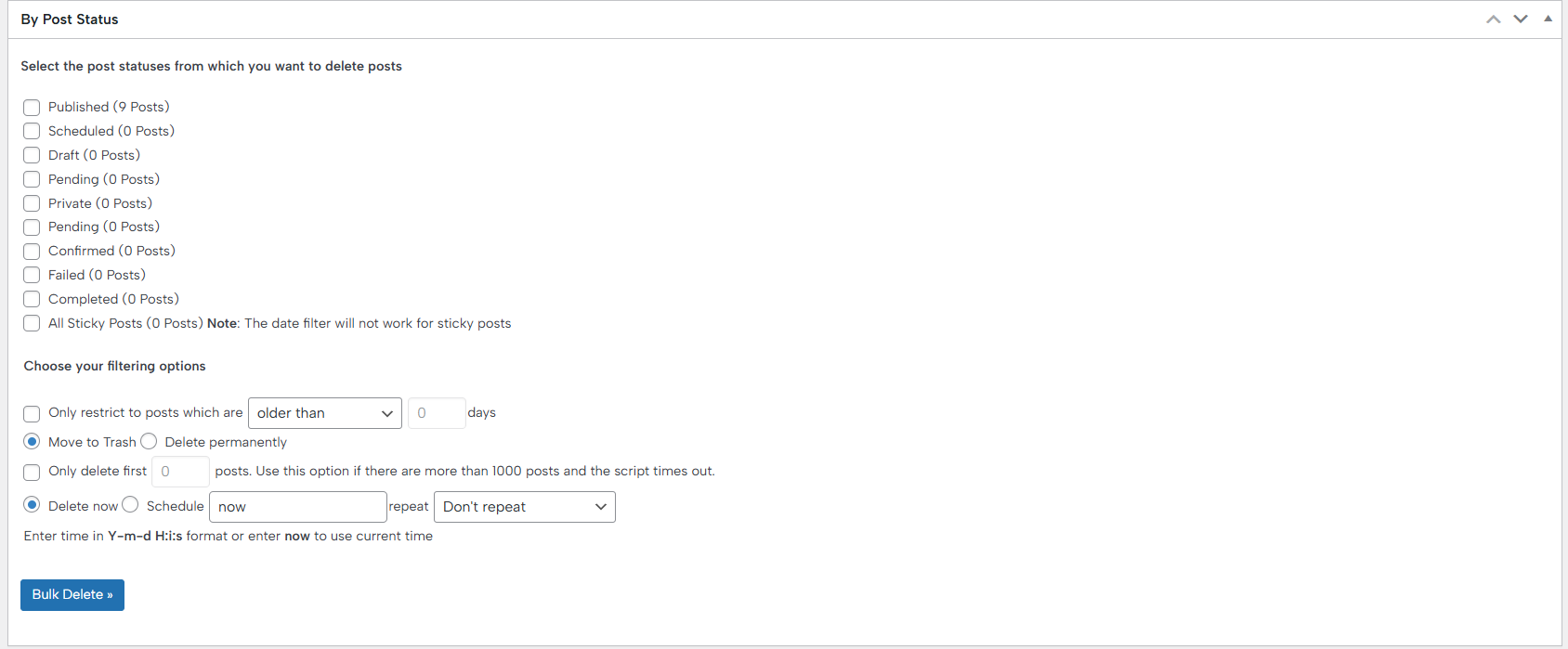
This parameter allows you to efficiently remove posts based on their current status, such as drafts, pending, or published, failed, private, and more, and is especially useful for cleaning up large websites and keeping your content organized. You can schedule automatic deletions or perform them automatically, giving you full control over your site’s content management. The feature also supports filtering by post type, categories, and custom criteria, making it flexible for different workflows.
You can choose the post statuses from which you want to delete posts:
- Published
- Scheduled
- Draft
- Pending
- Private
- Confirmed
- Failed
- Completed
- All Sticky Posts
Furthermore, you can restrict the filter to apply the bulk deletion to posts that are older than/posted within X days, and you can choose what to do with them: move to trash or remove permanently.
Also, you can delete the first X posts.
Additionally, you can schedule the plugin to remove the selected posts automatically on the exact date you choose, and to choose if you want to repeat the process again hourly, daily, or weekly.
‣ By Category
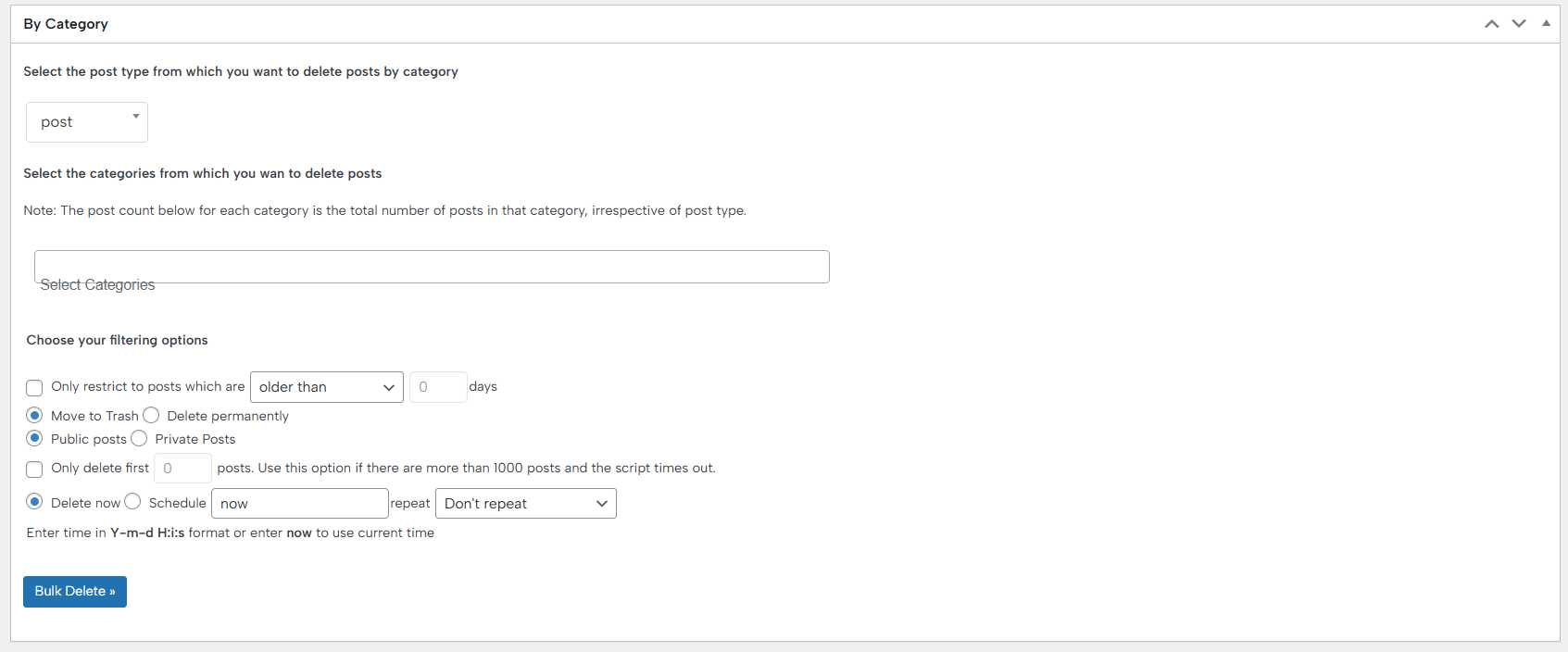
This feature lets you quickly remove posts assigned to specific categories, making it easy to clean up outdated or irrelevant content without affecting other areas of your site. You can apply additional filters, such as post type or status, to ensure precise removal. The tool also supports scheduled deletions, allowing you to automate content management and keep your site organized. Overall, it provides a fast and safe way to manage posts within targeted categories.
‣ By Tag
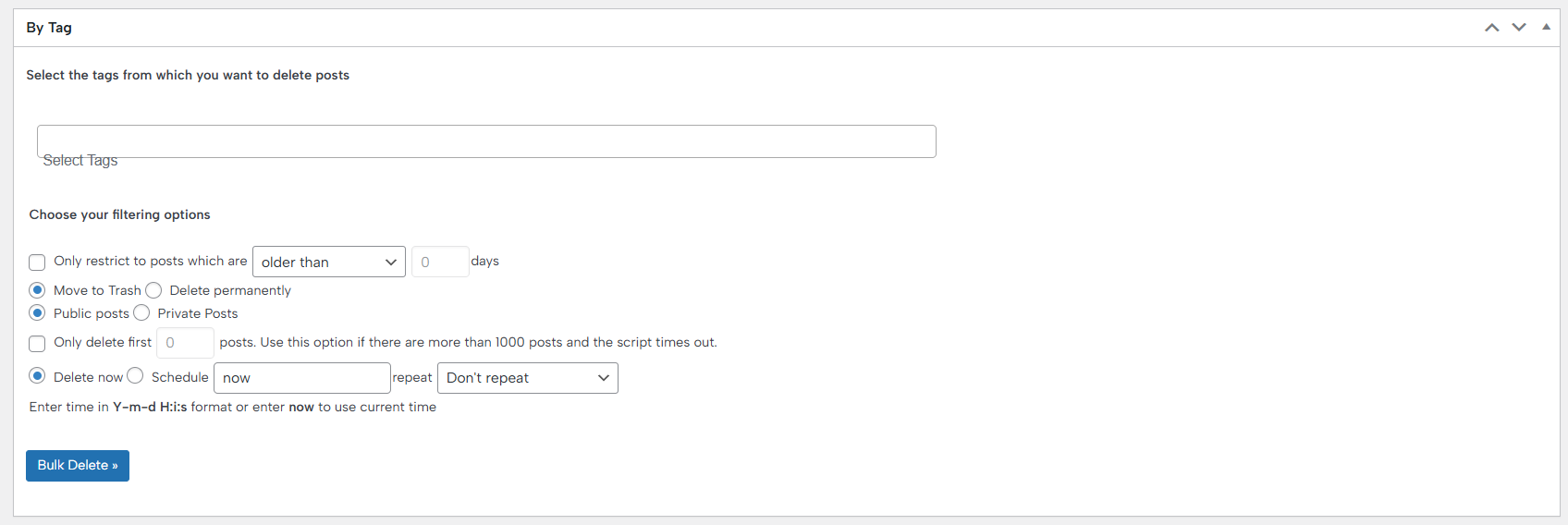
This feature allows you to remove posts based on the tags they are assigned to, making content management more precise and efficient. You can target specific tags on specific posts while leaving other content untouched, which is especially useful for large websites. The feature supports filtering by tag name, type, status, and other criteria, giving you full control over deletions. You can also schedule automatic deletions to keep your site organized over time. This tool streamlines the process of managing tagged content, saving time and effort.
Here you can also set the filter to apply the bulk deletion to posts that are older than/posted within X days, and you can choose what to do with them: move to trash or remove permanently.
‣ By Custom Taxonomy
This one lets you delete posts associated with any custom taxonomy you created, giving you advanced control over your content. You can target specific terms within the taxonomy, ensuring that only the intended posts are removed. The feature supports additional filters like post type, status, and scheduling, making it highly flexible for different workflows. It’s especially useful for sites with complex content structures, helping you maintain organization and relevance. Overall, it simplifies managing and cleaning up posts linked to custom taxonomies.
‣ By Custom Post Type
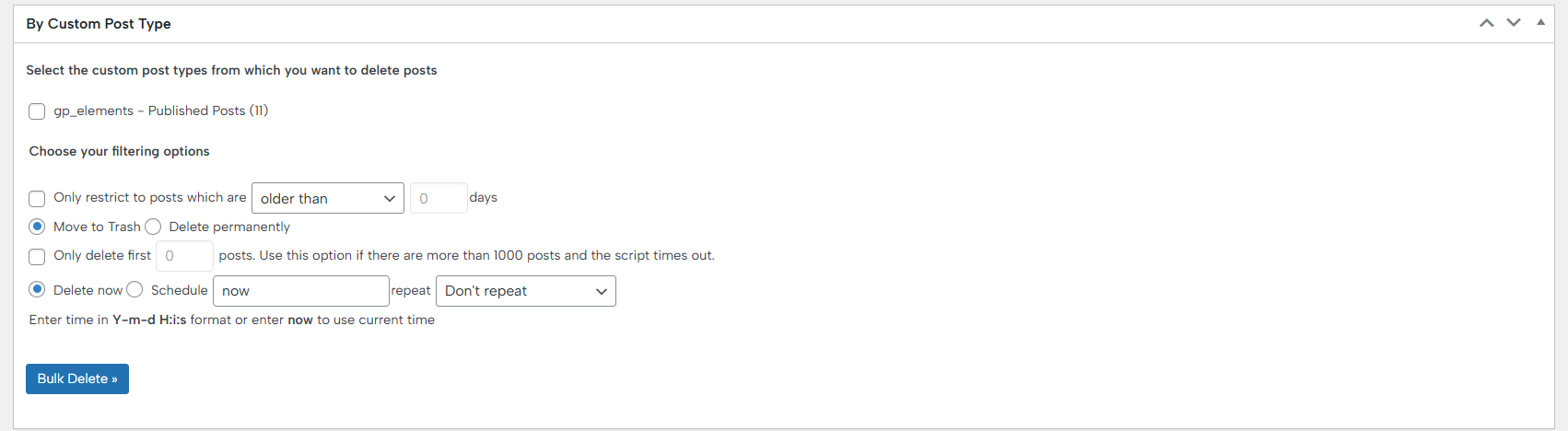
Bulk Delete By Custom Post Type enables you to remove posts from any custom post type on your WordPress site quickly and efficiently, and is ideal for websites that use multiple post types, such as portfolios, products, or events, allowing precise content management. You can combine it with filters like post status, categories, tags, or custom taxonomies to target exactly what you want to delete. Scheduled deletions are also supported, helping automate site maintenance. Overall, it provides a fast, safe, and flexible way to manage content across different post types.
‣ By URL
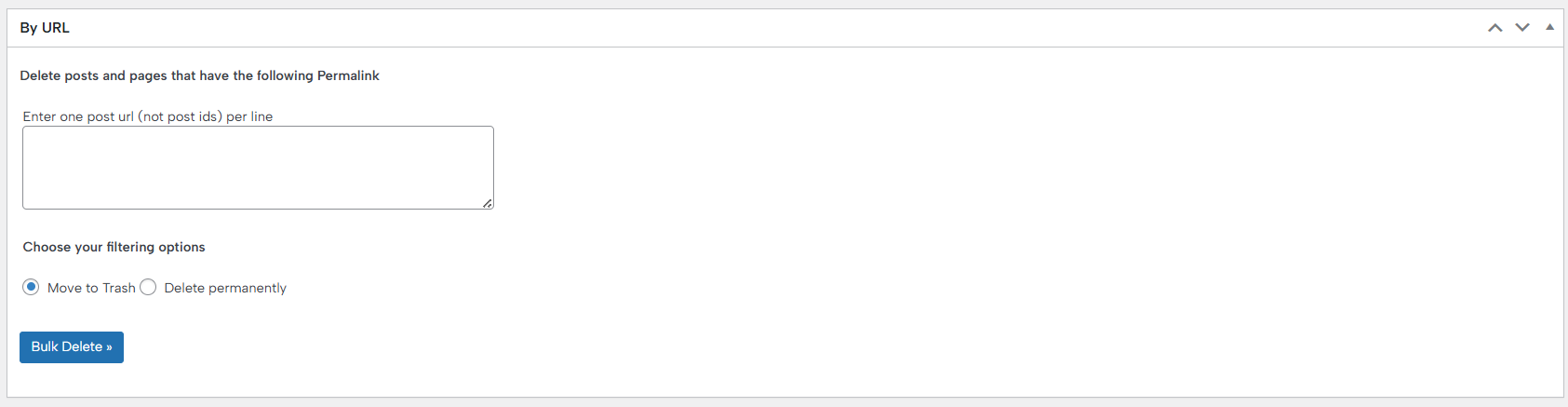
Bulk Delete By URL allows you to delete specific posts or pages by directly entering their URLs, giving you precise control over what content is moved to trash or deleted permanently. This is especially useful when you know exactly which items need to be deleted without affecting other posts, as it works with single or multiple URLs, making bulk management quick and efficient. It ensures that only the targeted content is removed, reducing the risk of accidental deletions. Overall, it is a simple and effective way to manage unwanted content on your site.
‣ By Post Revision

Bulk Delete By Post Revision lets you clean up unnecessary post revisions from your WordPress site, helping to reduce database clutter and improve performance. You can choose to delete revisions for all posts or filter by specific post types or statuses. The feature supports both manual and scheduled deletions, giving you flexibility in managing your site’s content history. It ensures that only old or unwanted revisions are removed, keeping your published content intact. Overall, it streamlines database maintenance and keeps your site running efficiently.
‣ By Custom Field
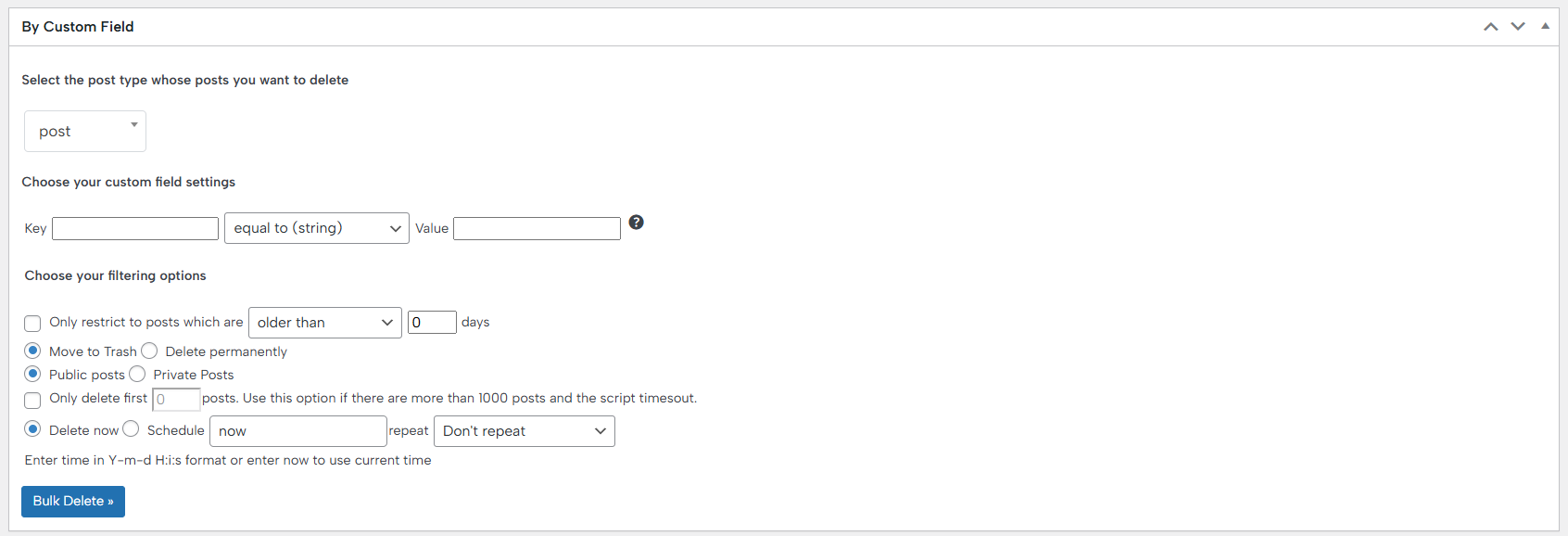
Bulk Delete By Custom Field allows you to delete posts based on specific custom field values, giving you full control over content management. You can target posts with exact field matches or apply conditions to filter them further. This feature is ideal for sites using custom fields for metadata, product details, or special content attributes. Scheduled deletions are supported, enabling automated cleanup over time. Overall, it provides a flexible and efficient way to manage and remove posts tied to custom field criteria.
‣ By Title
‣ By Duplicate Title
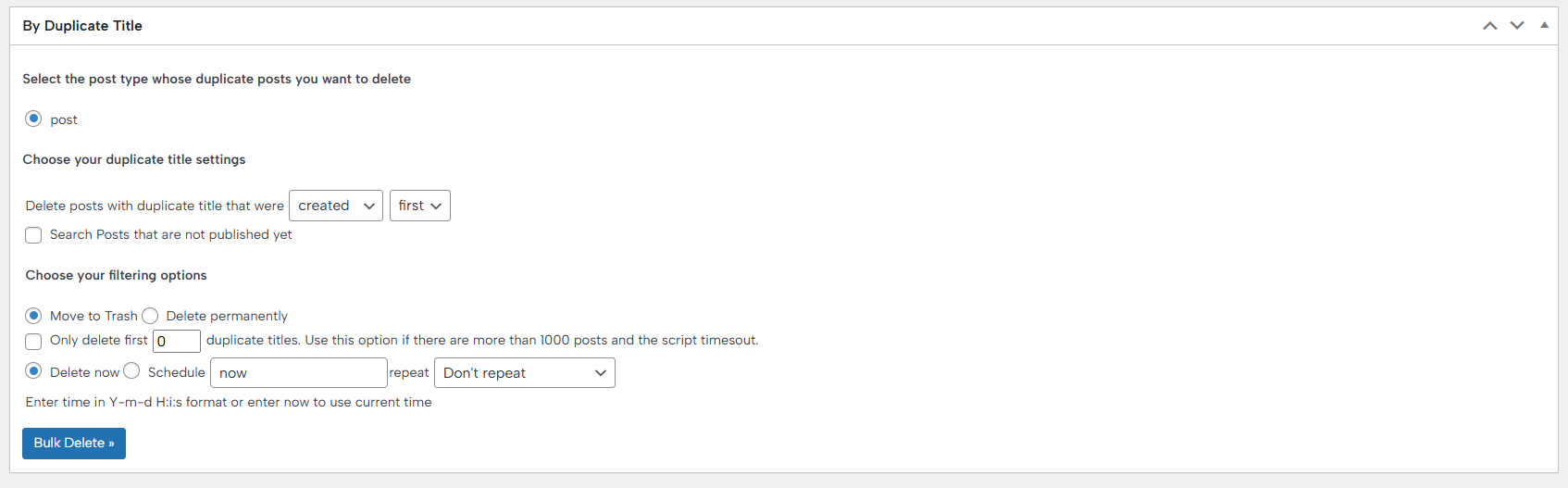
Bulk Delete By Duplicate Title allows you to identify and remove posts that share the same title, helping prevent content duplication and keeping your site organized. It ensures that only redundant posts are deleted while preserving the original content.
‣ By User Role
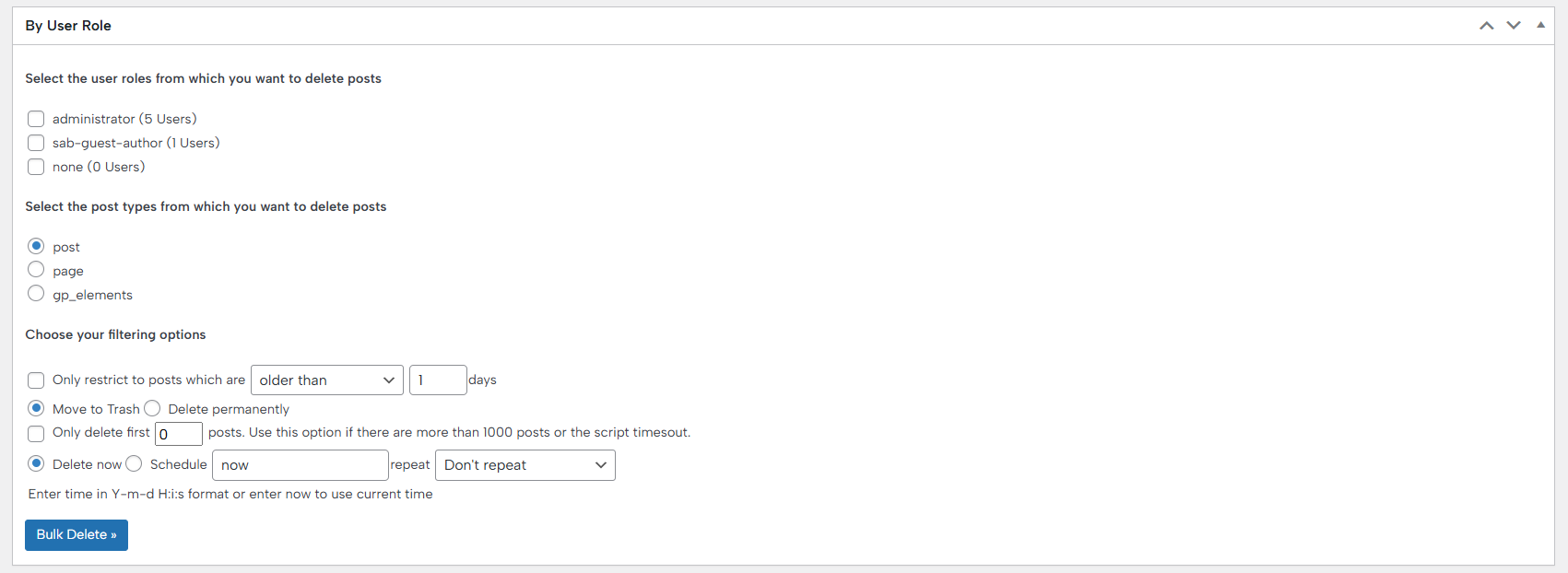
Bulk Delete By User Role lets you delete posts created by users with a specific role, such as authors, contributors, or editors. This is particularly useful for managing content from multiple contributors efficiently.
‣ By Attachment
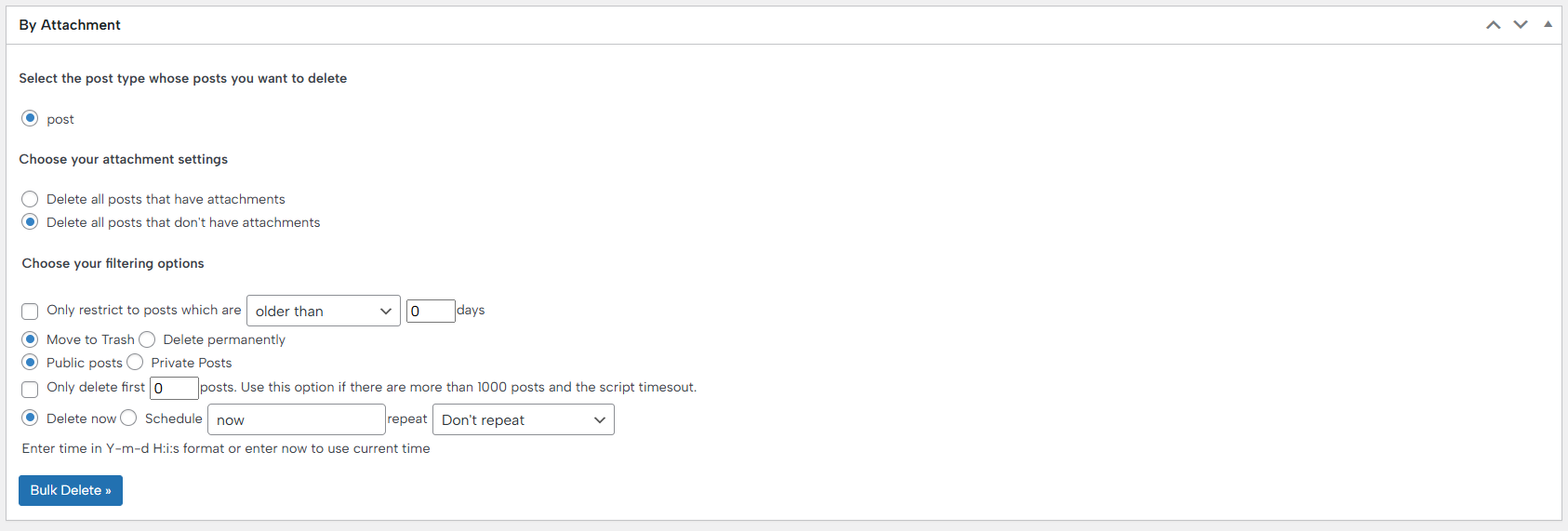
Bulk Delete By Attachment enables you to remove media files, such as images, videos, or documents, directly from your WordPress library. You can target specific file types or associated posts to keep your media library clean and organized.
‣ By User