Creating a professional logo used to require hiring an expensive designer or mastering complex software. Today, thanks to the rise of powerful online logo makers, anyone can craft a visually impressive and brand-ready logo in minutes. Whether you are launching a startup, building a personal brand, or refreshing your company’s image, online tools provide accessibility, flexibility, and affordability without sacrificing quality.
TLDR: Online logo makers make it easy and affordable to design a professional logo without advanced design skills. By choosing the right tool, understanding your brand identity, and customizing templates thoughtfully, you can create a logo that looks polished and memorable. Focus on simplicity, color psychology, typography, and scalability. With the right approach, your DIY logo can rival professionally designed ones.
A logo is more than just a symbol. It represents your brand’s personality, values, and promise. Before jumping into design tools, it’s important to understand what makes a logo effective and how online platforms can help you achieve that.
Why a Professional Logo Matters
Your logo is often the first impression customers have of your brand. A well-designed logo builds credibility, while a poorly designed one can undermine trust. Professional logos share a few essential qualities:
- Simplicity: Easy to recognize and remember
- Scalability: Looks good at any size
- Relevance: Fits the brand’s industry and tone
- Timelessness: Avoids overly trendy elements
- Versatility: Works in color and black-and-white
Modern online logo makers are designed with these principles in mind. They provide templates created by professional designers and allow deep customization without requiring technical expertise.
Step 1: Define Your Brand Identity
Before opening any logo tool, take time to clarify your brand identity. Ask yourself:
- What emotions should my brand evoke?
- Who is my target audience?
- What makes my business unique?
- What three words describe my brand?
This clarity will guide your design choices. For example, a tech startup might choose sleek typography and minimalist icons, while a children’s brand may prefer playful fonts and bright colors.
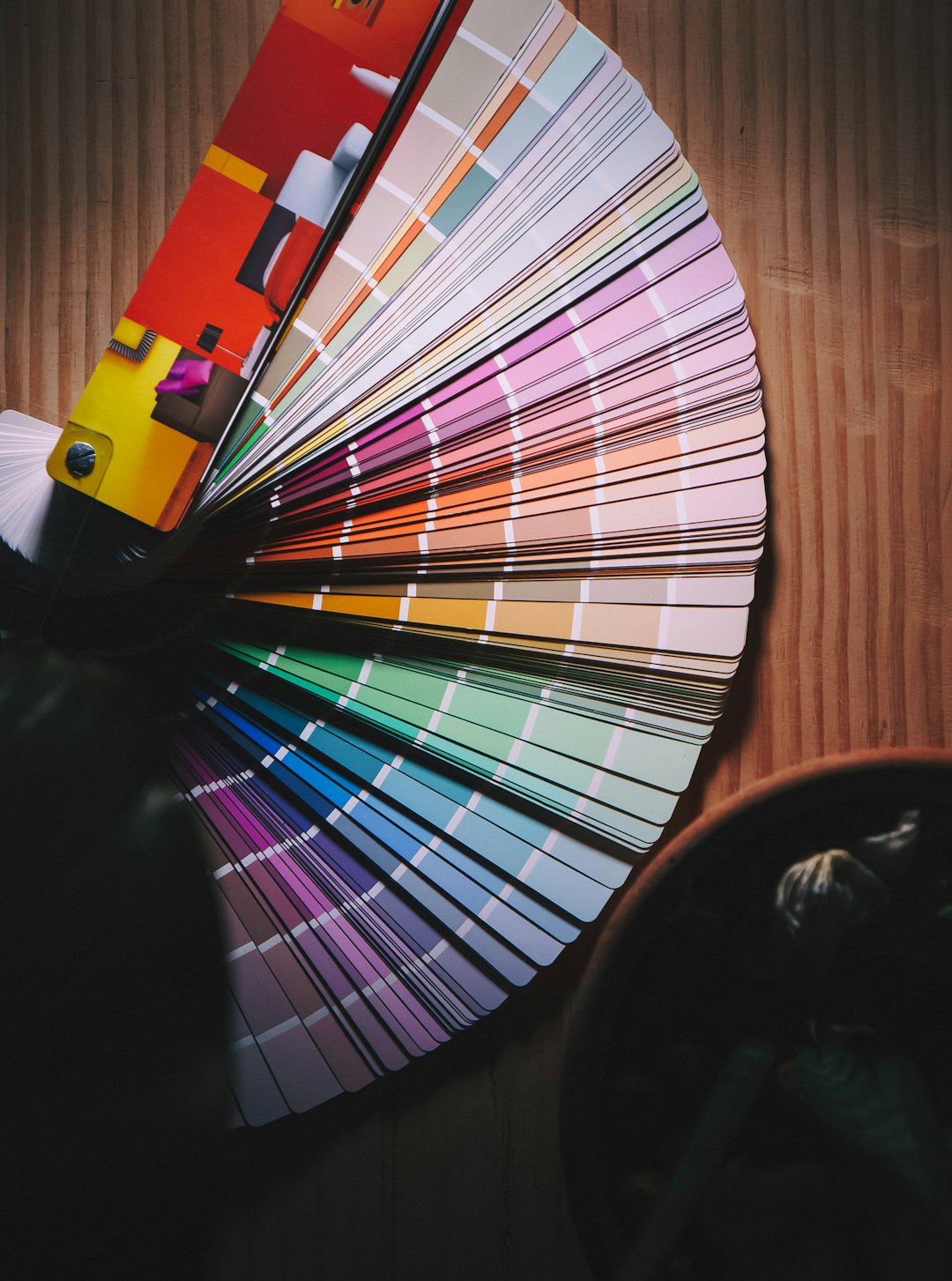
Write down key attributes such as modern, elegant, bold, friendly, innovative. These descriptors will help you select suitable templates later.
Step 2: Choose the Right Online Logo Maker
Not all logo makers are created equal. Some use artificial intelligence to generate designs based on your input, while others offer drag-and-drop template editors.
Here are some of the most popular online logo makers:
- Canva – Beginner-friendly with vast template options
- Looka – AI-powered logo generation
- Wix Logo Maker – Integrated website and logo creation
- Tailor Brands – Automated branding tools
- Hatchful by Shopify – Quick and simple startup logos
Comparison Chart of Popular Logo Makers
| Tool | Best For | Ease of Use | Customization | Price Range |
|---|---|---|---|---|
| Canva | Beginners, social media brands | Very Easy | High | Free + Paid |
| Looka | AI-generated logos | Very Easy | Moderate | Paid |
| Wix Logo Maker | Website integration | Easy | High | Paid |
| Tailor Brands | Full branding packages | Very Easy | Moderate | Subscription |
| Hatchful | Quick startup logos | Very Easy | Basic | Free |
When choosing a platform, consider your budget, customization needs, and how you plan to use the logo.
Step 3: Start with a Template — Then Customize
Most online logo makers begin by asking questions about your business name, industry, and style preferences. Based on your answers, they generate several templates. This saves time and provides professional structure.
However, customization is key. Avoid using a template exactly as it appears. Instead:
- Adjust spacing and alignment
- Modify color combinations
- Experiment with icon placement
- Refine font pairings
Even small tweaks can transform a generic template into something unique and memorable.
Step 4: Choose Colors Strategically
Color psychology plays a major role in branding. Different colors communicate different messages:
- Blue: Trust, professionalism, security
- Red: Energy, passion, excitement
- Green: Growth, health, sustainability
- Black: Luxury, sophistication, authority
- Yellow: Optimism, creativity, warmth
Limit your palette to two or three main colors. Too many colors can make your logo look cluttered and unprofessional. Make sure your logo also looks good in grayscale for versatility.
Step 5: Select the Right Typography
Fonts communicate personality just as strongly as colors. Consider these categories:
- Serif fonts: Traditional, trustworthy, established
- Sans-serif fonts: Modern, clean, minimal
- Script fonts: Elegant, creative, personal
- Display fonts: Bold, unique, attention-grabbing
Avoid combining more than two fonts in a single logo. Ensure readability at both large and small sizes. Remember, your logo may appear on business cards, websites, billboards, or mobile screens.
Step 6: Keep It Simple and Scalable
One of the biggest mistakes beginners make is adding too many details. Complex logos often lose clarity when resized. A professional logo should:
- Be recognizable in seconds
- Work at small sizes (like social media icons)
- Look sharp in black and white
- Print clearly without blur
Test your logo by shrinking it to icon size. If details disappear or become unreadable, simplify the design.
Step 7: Test Your Logo in Real-World Mockups
Many online logo makers offer mockup previews. Use them. Seeing your logo on real-world items helps you spot design issues and refine accordingly.

Test your logo on:
- Business cards
- Website headers
- Social media profiles
- Packaging
- Email signatures
If the logo feels balanced and readable across formats, you’re on the right track.
Step 8: Download the Right File Formats
Once your design is finalized, downloading the correct file formats is critical. Look for:
- PNG: Transparent background for websites
- JPG: Standard image use
- SVG or EPS: Vector files for scalability
- PDF: Print-ready format
Vector formats (SVG or EPS) are especially important because they allow your logo to scale without losing quality.
Common Mistakes to Avoid
Even with powerful tools, certain pitfalls can make your logo look amateur. Avoid:
- Overused generic icons
- Too many fonts
- Cluttered layouts
- Trend-heavy designs that age quickly
- Low-resolution downloads
Take your time and review multiple variations before finalizing your choice.
When Should You Hire a Professional Designer?
While online logo makers are incredibly effective, there are situations where hiring a professional may be worthwhile:
- If you are scaling a large corporation
- If your industry requires extensive branding systems
- If you want highly customized illustration work
For most small businesses, freelancers, and startups, however, online tools offer more than enough capability to produce a strong and polished brand identity.
Final Thoughts
Creating a professional logo using online logo makers is no longer a compromise—it’s a smart and efficient solution. By understanding your brand identity, choosing the right platform, refining templates thoughtfully, and focusing on simplicity, color harmony, and typography, you can produce a logo that feels authentic and credible.
The real power of these tools lies not just in automation, but in empowerment. You don’t need to be a graphic designer to create something meaningful. With clarity, creativity, and attention to detail, your logo can become a powerful visual cornerstone of your brand for years to come.