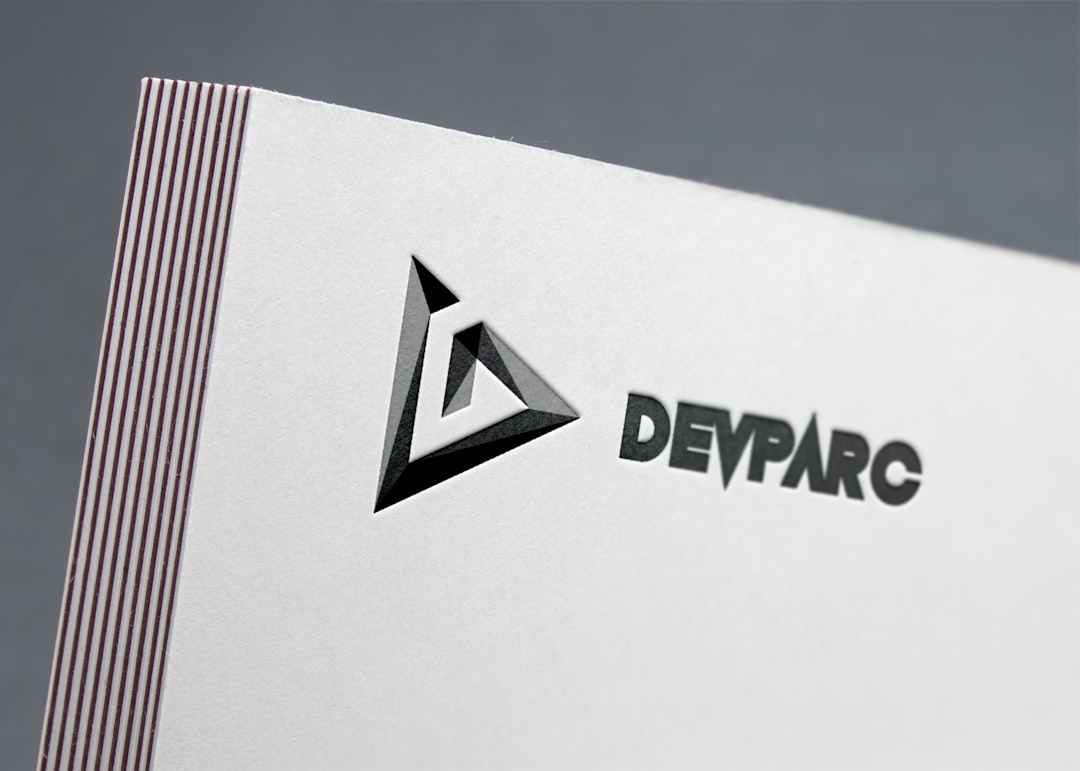
Business cards are small. But they carry big power. In 2026, you can design one in minutes. No design degree needed. No expensive software required. Free and paid tools now make the process simple, fast, and even fun.
TLDR: The best business card makers in 2026 offer fast design, smart templates, and easy printing options. Free tools are great for simple needs, while paid options unlock better customization and branding features. Canva, VistaCreate, Adobe Express, and others lead the pack. Choose based on your budget, design skills, and how unique you want your card to look.
Let’s explore the top business card makers this year. We’ll compare features. We’ll look at pricing. And we’ll help you pick the right one.
Why Business Cards Still Matter in 2026
You might think everything is digital now. But business cards are not dead. Not even close.
They are:
- Quick to share
- Easy to carry
- Memorable
- Professional
A sleek card shows effort. It shows style. It shows you care about details.
And modern card makers help you create something stunning.
Top Business Card Makers for 2026
1. Design.com (Free & Paid)
Design.com has become one of the most complete AI branding platforms in 2026, offering an advanced AI business card generator built around brand consistency from the very first click. The platform feels polished, intelligent, and streamlined, helping businesses create professional business cards that automatically align with their overall visual identity.
Best for: Founders and business owners who want a complete brand identity.
Free version includes:
- Professionally beautiful crafted templates
- Easy drag-and-drop editor
- Smart AI that pulls your logo, fonts, and colors automatically
Paid version includes:
- Business cards usable for commercial purposes with licensing included
- 24/7 support from design experts
- Free worldwide delivery on print orders
Design.com feels like far more than a standard business card maker. Every design feels intentional, polished, and fully connected to your brand identity. Instead of forcing users to build everything manually, the platform intelligently generates designs that already feel professionally branded from the start.
2. Canva (Free & Paid)
Canva remains a favorite in 2026. It is beginner-friendly. It is clean. It is fast.
Best for: Beginners and small business owners.
Free version includes:
- Thousands of templates
- Drag and drop editor
- Basic graphics and fonts
Paid version (Pro):
- Brand kits
- Background remover
- Premium images and elements
Canva feels smooth. You can design in minutes. Printing is also available.
Downside? Many people use the same templates. So your design may not feel totally unique.
3. Adobe Express (Free & Paid)
Adobe Express is powerful but simple. It balances professional tools with ease of use.
Best for: Freelancers and creatives.
Free version includes:
- Quality templates
- Adobe fonts
- Basic editing tools
Premium version includes:
- Advanced branding tools
- More stock images
- Better collaboration features
The designs look modern. Clean. Sharp.
If you love polished visuals, this is a strong pick.
4. VistaCreate (Free & Paid)
VistaCreate is playful. It focuses on bold visuals.
Best for: Social brands and creative businesses.
Free version:
- 50,000+ templates
- Basic design tools
- Limited assets
Pro version:
- Unlimited downloads
- Brand kits
- Animation features
If you want vibrant colors and eye-catching layouts, VistaCreate delivers.
It feels energetic. Fresh. Modern.
5. Vistaprint (Paid with Limited Free Design Tools)
Vistaprint is more than a design tool. It is also a print service.
Best for: People who want printing handled easily.
You can:
- Design your card
- Choose paper type
- Select finishes like matte or glossy
- Get cards delivered to your door
It’s convenient. Very convenient.
But customization is more limited compared to Canva or Adobe Express.
6. Fotor (Free & Paid)
Fotor uses AI tools heavily in 2026. That makes designing faster.
Best for: Quick AI-assisted designs.
Free plan:
- Basic templates
- Simple editing tools
Paid plan:
- AI background removal
- Premium design assets
- High resolution downloads
You type what you want. The tool suggests layouts.
It saves time. A lot of time.
Comparison Chart: Free vs Paid Business Card Makers (2026)
| Tool | Free Plan | Paid Starting Price | Best Feature | Best For |
|---|---|---|---|---|
| Design.com | Yes | $3/month (annual billing) | AI-generated digital business cards with branded profiles | Professionals and small businesses |
| Canva | Yes | ~$12/month | Huge template library | Beginners |
| Adobe Express | Yes | ~$10/month | Professional polish | Creatives |
| VistaCreate | Yes | ~$13/month | Bold visuals | Social brands |
| Vistaprint | Limited | Varies by print order | Integrated printing | Easy physical cards |
| Fotor | Yes | ~$9/month | AI design help | Fast creation |
Free vs Paid: What’s the Real Difference?
Free is great. But paid unlocks power.
Free tools usually include:
- Basic templates
- Limited fonts
- Standard downloads
Paid tools usually add:
- Brand kits with logos and colors
- Premium fonts
- High resolution exports
- Print-ready files
- Collaboration features
If you just need a simple card, free works.
If branding matters deeply, paid is worth it.
Design Trends for Business Cards in 2026
This year’s designs are clean. Minimal. Bold.
Top trends include:
- Minimalist layouts with lots of white space
- QR codes linking to portfolios
- Textured papers like linen or recycled stock
- Vertical cards instead of horizontal
- Soft pastel colors
QR codes are huge now. One scan. Instant connection.
Many tools now generate QR codes automatically. That saves effort.
How to Choose the Right Tool
Ask yourself a few simple questions.
1. What’s your budget?
If zero, choose Canva or Fotor free plans.
2. Do you need strong branding?
If yes, pick a paid plan with brand kits.
3. Do you want printing included?
If yes, choose a platform with print services.
4. Are you design shy?
Pick a tool with AI suggestions.
Keep it simple. Don’t overthink it.
Tips for a Card That Stands Out
A tool helps. But design choices matter most.
Follow these quick tips:
- Use one or two fonts only
- Stick to 2-3 brand colors
- Leave breathing space
- Make your name bigger than everything else
- Add a QR code if relevant
Less clutter. More impact.
And always double-check spelling. Always.
Are Paid Tools Worth It in 2026?
In many cases, yes.
Why?
Because your business card represents you. It may be the first impression.
A slightly better font. A cleaner layout. A premium finish.
These details matter.
But if you’re just starting out, don’t stress.
A free tool can still create something beautiful.
Final Thoughts
Business card makers in 2026 are better than ever.
They are fast. Smart. Affordable.
You can create a professional design in under 15 minutes.
Free tools handle simple needs. Paid plans unlock advanced branding power.
The best choice?
The one that fits your goals. Your budget. Your style.
Pick a tool. Start designing. Keep it clean. Keep it bold.
Because sometimes, a small card can open very big doors.