
Few things are more frustrating than launching Valorant, warming up your aim, and then getting stuck at the login screen, hit with an error code, or kicked out mid-match. When that happens, the first question is simple: Is Valorant down, or is it just me? This guide walks you through the fastest ways to check Valorant server status, understand common outage symptoms, and troubleshoot your own connection before you start reinstalling the game or blaming your router.
TLDR: If Valorant is not loading, matchmaking is failing, or you are seeing connection errors, first check Riot Games’ official service status page and Valorant’s social channels. If there is no confirmed outage, test your internet connection, restart the Riot Client, and check for local firewall or DNS issues. Server problems often appear during scheduled maintenance, big patches, or regional outages, so always confirm whether the issue affects your region specifically.
Why Valorant Sometimes Goes Down
Valorant is an online tactical shooter, which means every match depends on Riot’s servers, matchmaking systems, login services, anti-cheat infrastructure, and regional network stability. Even if the game itself is installed perfectly on your PC, you cannot play if one of those services is having trouble.
There are several common reasons Valorant may be unavailable:
- Scheduled maintenance: Riot regularly takes servers offline to deploy patches, balance updates, new agents, map changes, bug fixes, or anti-cheat updates.
- Unexpected outages: Server hardware issues, network failures, or cloud service interruptions can cause sudden downtime.
- Regional problems: Sometimes only one region, such as North America, Europe, Latin America, Brazil, or Asia Pacific, is affected.
- Riot Client issues: You may be unable to log in even when match servers are stable.
- Vanguard problems: Riot’s anti-cheat system, Vanguard, can prevent the game from launching if something is not running correctly.
- Local network issues: Your WiFi, ISP, DNS, firewall, or PC settings can make Valorant seem “down” even when servers are fine.
The trick is knowing how to tell the difference between a global issue and a problem on your end.
Step 1: Check the Official Riot Games Service Status Page
The most reliable place to start is Riot’s official service status page. It shows active incidents, maintenance notices, login problems, matchmaking issues, and region-specific alerts for Riot titles, including Valorant.
When using the service status page, make sure you select Valorant and choose the correct region. A common mistake is assuming that a “server down” report applies globally. In reality, players in Europe may be experiencing matchmaking problems while North American servers are running normally.
Look for messages related to:
- Game availability
- Login queues or authentication errors
- Matchmaking delays
- Ranked queue disabled
- Scheduled maintenance windows
- Patch deployment notices
If Riot has posted an incident, then the answer is clear: Valorant is likely down or partially unavailable. In that case, the best move is simply to wait for Riot to resolve it.

Step 2: Check Valorant and Riot Social Channels
Official status pages are useful, but social channels often update faster during sudden outages. Riot and Valorant accounts may post about emergency maintenance, queue problems, competitive mode delays, or widespread connection issues.
Search for recent posts from official Valorant channels and check community discussions. If thousands of players are suddenly reporting the same issue within the last few minutes, it is probably not just your setup.
You can also search phrases such as:
- Valorant down
- Valorant server status
- Valorant error code
- Valorant matchmaking not working
- Riot Client down
Community platforms can be noisy, so use them as a supporting signal rather than your only source. One person saying “servers are dead” does not prove an outage. Hundreds of players reporting the same issue across regions is a much stronger sign.
Step 3: Watch for Common Valorant Outage Symptoms
Valorant downtime does not always look the same. Sometimes the game will not open at all. Other times, you can log in but cannot enter a match. Knowing the symptom can help you identify which service is failing.
Login Problems
If you cannot sign into the Riot Client, the issue may involve Riot’s authentication services. You might see login loops, failed sign-in messages, or a blank client window. During login outages, many Riot games may be affected, not only Valorant.
Matchmaking Errors
If you can enter the game but cannot queue, matchmaking services may be down. You might see long queue times, party errors, or messages saying the queue is unavailable. Competitive queues are sometimes disabled during maintenance while unrated or custom games remain active.
Disconnections During Matches
Getting disconnected mid-round is especially annoying. If many players in the same match disconnect at once, that usually points toward a server-side issue. If only you disconnect, your local connection may be unstable.
Error Codes
Valorant error codes can point toward specific problems. Some relate to the Riot Client, some to Vanguard, and others to network connectivity. If you see an error code, write it down and check Riot’s support resources or outage notices for that specific code.
Step 4: Check If It Is Scheduled Maintenance
Valorant updates often arrive with planned server downtime. Patch days are one of the most common reasons players ask, “Is Valorant down?” Riot usually announces maintenance ahead of time, and servers may be disabled for a few hours while the update is deployed.
During scheduled maintenance, you may notice:
- The Riot Client showing a maintenance notice
- Login being temporarily disabled
- Competitive queue being turned off before the patch
- Servers coming back online at slightly different times by region
- Large game updates becoming available after downtime ends
If downtime is scheduled, there is usually nothing wrong with your PC or internet. Wait until the maintenance window ends, update the game, restart the Riot Client, and try again.
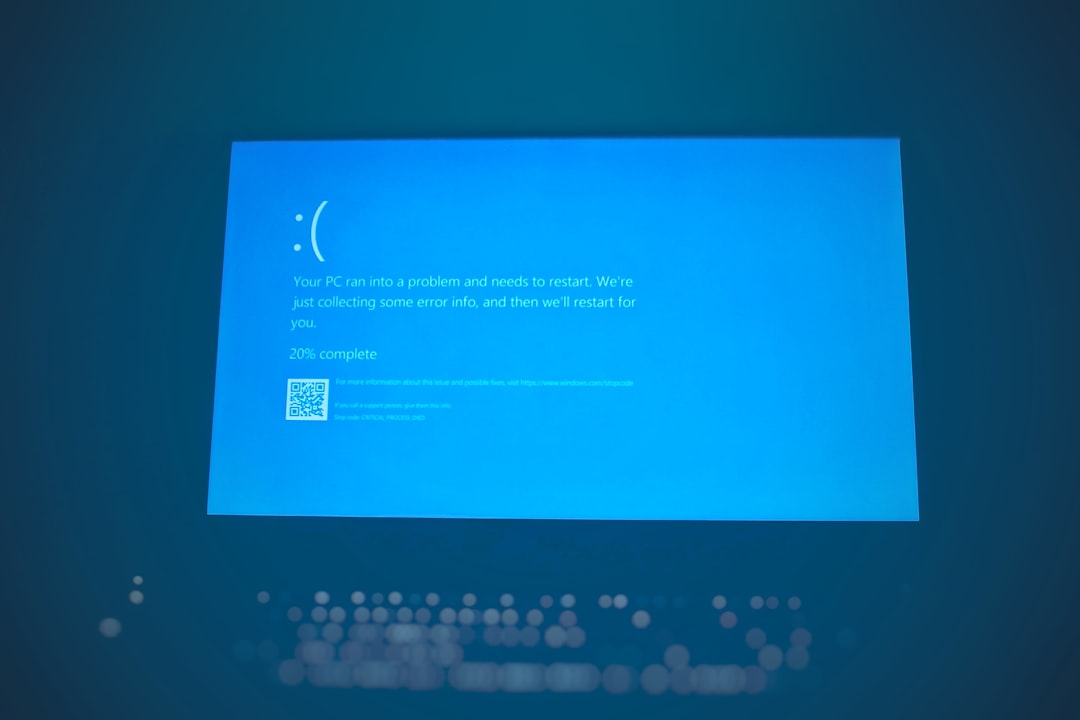
Step 5: Test Whether the Problem Is on Your End
If Riot’s status page shows no incidents and other players are not reporting issues, the problem may be local. Before assuming the servers are down, run through a quick troubleshooting checklist.
Restart the Riot Client and Valorant
Close Valorant completely, exit the Riot Client, and restart both. It sounds simple, but client sessions can expire or hang after updates. Use Task Manager if needed to make sure no Riot or Valorant processes are stuck in the background.
Restart Your PC
Because Valorant depends on Vanguard, a full restart can fix launch and connection issues. Vanguard runs at a system level, so restarting your PC can refresh services that a simple game relaunch will not.
Check Your Internet Connection
Open a browser and test other websites or online games. If everything feels slow, your connection may be the issue. Try restarting your router, switching from WiFi to Ethernet, or testing on another network if possible.
Disable VPNs Temporarily
VPNs can interfere with Valorant routing, increase ping, or trigger connection errors. If you use a VPN, turn it off and try launching the game again. Riot servers may also behave differently depending on routing and region detection.
Check Firewall and Antivirus Settings
Security software can occasionally block Valorant, the Riot Client, or Vanguard. Make sure these programs are allowed through your firewall. If the game worked before and suddenly stopped after a security update, this is worth checking.
Try a DNS Refresh
DNS issues can make online services unreachable. On Windows, you can open Command Prompt as administrator and run ipconfig /flushdns. Some players also switch to public DNS services, such as Google DNS or Cloudflare DNS, to improve reliability.
How to Tell If Valorant Is Down for Everyone
The clearest sign of a widespread Valorant outage is when multiple independent sources line up. For example, if Riot’s service page shows an active incident, official social channels mention server problems, and players across community platforms are reporting the same error, the outage is almost certainly real.
On the other hand, if the official status page is clear, your friends are playing normally, and only your client fails to connect, you should focus on local troubleshooting. Ask a friend in the same region to check whether they can queue. This is one of the quickest real-world tests.
You should also consider timing. Did the problem start right after a patch? Did your PC update Windows? Did you install new antivirus software? Did your internet provider have an outage? Small clues can help narrow down the cause.
What to Do During Valorant Downtime
If Valorant is confirmed down, the best solution is patience. Riot’s engineering teams typically work quickly to restore service, especially when competitive queues or login systems are affected. Constantly restarting the game will not make the servers return faster, and it may add to login congestion when services come back online.
Instead, use the downtime productively:
- Review patch notes to understand agent changes, weapon updates, and map adjustments.
- Watch VODs from your recent matches and look for positioning mistakes.
- Practice aim in a third-party trainer if Valorant itself is unavailable.
- Update drivers if you have been postponing graphics or network updates.
- Check your settings and make sure your crosshair, sensitivity, and keybinds are backed up.

When Valorant Comes Back Online
After an outage, servers may return gradually. You might still see login queues, matchmaking delays, or temporary instability while thousands of players rush back at once. If the game becomes available but feels laggy, give it a few minutes before jumping into ranked.
It is wise to test with a deathmatch, swiftplay, or unrated match before entering competitive queue after major downtime. This helps confirm that your ping is stable, the client is updated, and you are not at risk of disconnecting during a ranked match.
Final Thoughts
So, is Valorant down? The answer depends on what is happening with Riot’s services, your region, and your own connection. Start with the official service status page, confirm through social channels and community reports, then troubleshoot locally if there is no known outage.
Valorant’s always-online nature means occasional downtime is unavoidable, especially around patches and maintenance. But with a quick status check routine, you can figure out whether to wait, troubleshoot, or simply take a short break before the next clutch round.