Headless browser tools such as Chromium Headless have transformed the way developers automate tasks, test applications, and scrape data across the web. By operating without a graphical user interface (GUI), these tools enable scripts to execute browser actions in the background, making them faster, lighter, and more scalable than traditional browsers. From automated testing pipelines to large-scale data extraction systems, headless browsing has become a core component of modern development workflows.
TLDR: Headless browser tools like Chromium Headless allow scripts to run without displaying a graphical interface, making automation faster and more efficient. They are widely used for automated testing, web scraping, performance monitoring, and continuous integration workflows. By simulating real user interactions in a background environment, they provide accurate results while minimizing system resource usage. Headless browsers are essential for scalable, modern web automation.
Understanding Headless Browsers
A headless browser is a web browser that operates without a visual interface. It performs all the same tasks as a regular browser—rendering HTML, executing JavaScript, handling cookies, managing sessions—but without displaying a window on the screen. The absence of a GUI allows it to run in server environments, CI/CD pipelines, and background processes efficiently.
Chromium Headless, introduced as part of the Chromium project, is one of the most widely used headless browser engines. It provides full browser capabilities through command-line tools or APIs, enabling developers to control page navigation, input simulation, and content extraction programmatically.
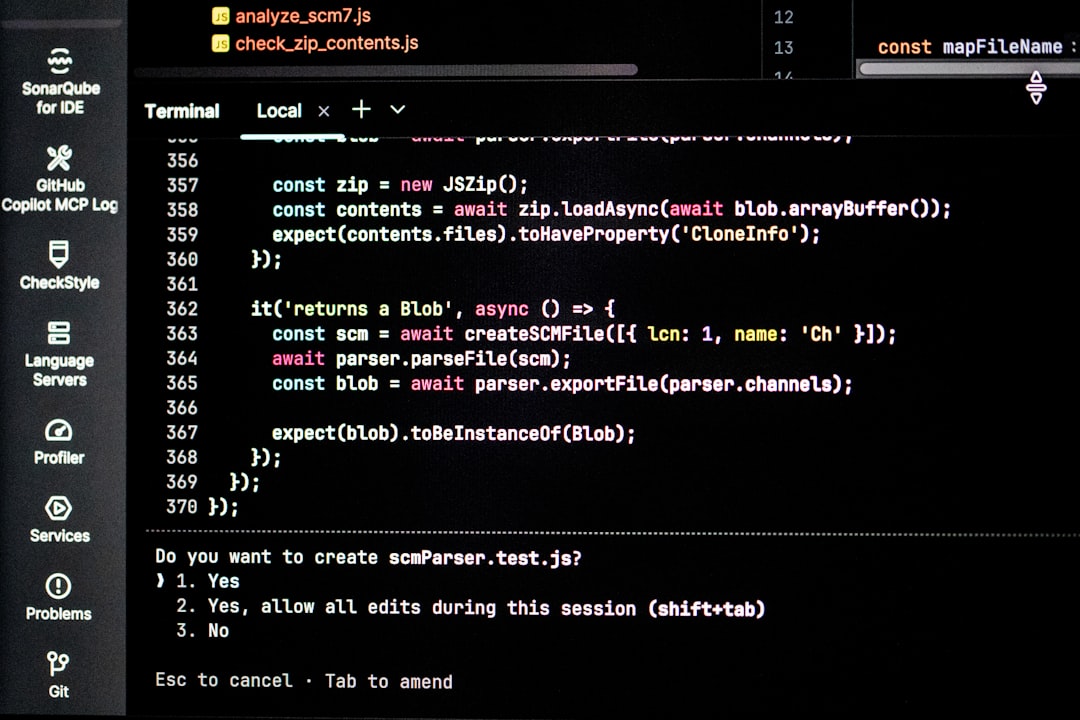
Other tools built around headless Chromium, such as Puppeteer and Playwright, offer higher-level interfaces that simplify scripting and automation tasks. These frameworks allow developers to script interactions such as clicking buttons, filling out forms, capturing screenshots, or generating PDFs.
Why Run Browsers Without a UI?
Running a browser with no graphical interface may seem counterintuitive at first. However, removing the UI offers several compelling advantages:
- Improved performance: No rendering overhead for graphical components.
- Lower resource consumption: Reduced CPU and memory usage.
- Automation friendly: Ideal for background scripts and batch jobs.
- Server compatibility: Can run on headless Linux servers without a display system.
- Scalability: Multiple instances can run simultaneously in cloud environments.
Traditional browsers require a graphical desktop environment, which can complicate server-based automation. Headless browsers eliminate that dependency, making deployment more flexible and reliable.
Key Use Cases of Chromium Headless
1. Automated Testing
One of the most common applications of headless browsers is automated testing. Web applications rely heavily on JavaScript, dynamic rendering, and asynchronous API calls. Testing such behavior requires a real browser engine rather than simple HTTP requests.
Chromium Headless enables:
- End-to-end (E2E) testing
- User interface regression testing
- Cross-browser validation
- Performance simulation
Testing frameworks can simulate user interactions like clicks, typing, scrolling, and file uploads. Because tests can run without opening a visible browser window, they execute more quickly and integrate seamlessly into continuous integration systems.
2. Web Scraping and Data Extraction
Modern websites often load content dynamically via JavaScript. Traditional scrapers that rely only on static HTML retrieval frequently fail to capture such content. Headless browsers solve this problem by rendering pages exactly as a user’s browser would.
With Chromium Headless, scripts can:
- Wait for dynamic elements to load
- Execute client-side JavaScript
- Extract structured data from complex UIs
- Navigate multi-step workflows

This makes it possible to gather pricing data, monitor competitors, extract research information, or aggregate content across multiple sources with high reliability.
3. Screenshot and PDF Generation
Headless Chromium includes built-in capabilities for generating screenshots and PDFs from web pages. This feature is widely used in reporting systems, invoice generation tools, and content archiving platforms.
For example, an application might:
- Render a dashboard page
- Capture a screenshot automatically
- Email the image to stakeholders
Because the browser runs invisibly, the process can occur entirely in the background without user intervention.
4. Performance Monitoring
Performance metrics such as page load time, script execution speed, and network latency can be measured accurately using headless tools. Organizations often schedule scripts that open websites at regular intervals, record performance statistics, and detect anomalies.
This proactive monitoring helps maintain uptime and user satisfaction across digital platforms.
How Chromium Headless Works
Chromium Headless operates through command-line flags or automation libraries. When launched in headless mode, the browser initializes core rendering engines without activating display components. It still processes:
- DOM construction
- CSS layout calculation
- JavaScript execution
- Network requests
Developers typically control the browser through APIs that send commands such as:
- Navigate to a URL
- Wait for a selector
- Click an element
- Extract text content
- Close the browser session
This architecture ensures that the headless browser behaves almost identically to its graphical counterpart, which is crucial for accurate automation and testing.
Comparing Headless and Headed Browsers
While both headless and headed browsers use the same underlying engine, they differ significantly in workflow and application:
- Headed Browser: Displays UI, suitable for manual interaction and debugging.
- Headless Browser: Runs invisibly, optimized for automation and scripting.
During development, engineers may switch between modes. Running tests in headed mode helps visually debug issues, while headless mode ensures efficient execution in production pipelines.
Integration with CI/CD Pipelines
Continuous Integration and Continuous Deployment (CI/CD) systems automate code building, testing, and deployment. Headless browsers are integral to these pipelines because they:
- Run autonomously on servers
- Do not require graphical desktop environments
- Support parallel execution
- Produce consistent, repeatable results
For example, when a developer pushes new code to a repository, automated workflows can launch headless browser tests to verify functionality before deployment. If tests fail, the deployment is halted, preventing faulty releases.
Security and Ethical Considerations
Although headless browsers offer powerful capabilities, they must be used responsibly. Automated scraping or interaction may violate website terms of service if conducted without permission. Additionally, poorly configured scripts can overload servers with excessive requests.
Best practices include:
- Respecting robots.txt guidelines
- Limiting request frequency
- Obtaining proper authorization
- Securing automation credentials
From a defensive standpoint, website administrators often deploy bot-detection techniques to distinguish between genuine users and automated scripts. Developers must therefore ensure compliance and ethical usage.
Advantages and Limitations
Advantages:
- Speed and efficiency
- Scalability in cloud environments
- Accurate rendering of JavaScript-heavy sites
- Seamless automation
Limitations:
- Higher resource usage compared to simple HTTP libraries
- Potential detection by advanced bot mitigation systems
- Complex configuration for advanced workflows
- Debugging can be harder without visual feedback
Despite these limitations, the benefits of real-browser accuracy typically outweigh the drawbacks for complex automation tasks.
The Future of Headless Browsing
As web applications grow more interactive and reliant on dynamic content, headless browsers will likely become even more essential. Emerging trends include:
- Deeper integration with artificial intelligence workflows
- Improved stealth capabilities for testing environments
- Enhanced performance optimizations
- Stronger support for mobile emulation
The evolution of tools such as Chromium Headless reflects the increasing demand for reliable automation solutions in software development, data science, and digital operations.
Conclusion
Headless browser tools like Chromium Headless have redefined how scripts interact with web content. By eliminating the graphical layer while preserving full browser functionality, they offer a powerful and flexible environment for automation. Whether used in testing frameworks, scraping solutions, performance monitoring systems, or cloud-based workflows, headless browsers provide the efficiency and realism required for modern web operations. As digital systems continue to grow in complexity, these tools will remain central to scalable and intelligent automation strategies.
Frequently Asked Questions (FAQ)
-
What is the main benefit of using Chromium Headless?
The primary benefit is the ability to automate browser tasks without rendering a graphical interface, resulting in faster performance and lower resource consumption. -
Is a headless browser the same as a regular browser?
Functionally, yes. It uses the same rendering engine and executes JavaScript like a regular browser but operates without a visible user interface. -
Can headless browsers run on servers without a display?
Yes. They are specifically designed to run in environments without graphical desktop systems, making them ideal for cloud and server deployments. -
Are headless browsers used only for web scraping?
No. They are widely used for automated testing, screenshot capture, PDF generation, performance monitoring, and CI/CD workflows in addition to scraping. -
Is Chromium Headless difficult to set up?
Basic setup is relatively straightforward using command-line flags or automation libraries. However, advanced configurations and scaling strategies may require deeper technical expertise. -
Can headless browser scripts be detected by websites?
Yes. Some websites use bot-detection systems to identify automated behavior. Developers must follow ethical guidelines and configure scripts responsibly.