Choosing the right laptop for development work in 2026 is no longer a simple matter of picking the most powerful machine on the shelf. Modern developers work across diverse environments—cloud-native systems, AI-assisted coding platforms, containerized applications, game engines, and mobile ecosystems. Each discipline introduces specific hardware and software demands. As technology evolves, so do expectations for portability, battery life, display quality, and long-term reliability.
TLDR: Developers in 2026 should prioritize performance, memory, and battery efficiency over flashy design. A modern multi-core processor, at least 16–32GB RAM, and fast NVMe storage are essential for smooth workflows. The ideal laptop balances portability with sustained performance and includes a high-quality display and strong connectivity. The “best” choice depends heavily on development focus—web, mobile, AI, game development, or DevOps.
Understanding Performance Requirements
Performance remains the cornerstone of a developer’s laptop. Code compilation, running virtual machines, containers, local servers, and AI toolchains all demand significant computing power.
In 2026, developers should look for:
- Modern multi-core CPUs (8–16 cores minimum for professional workloads)
- Dedicated AI acceleration units for machine learning and code assistants
- Efficient thermal management systems
Hybrid and ARM-based architectures are now mainstream, often delivering exceptional performance per watt. Many developers find ARM-based laptops particularly attractive because of their battery efficiency and silent operation. However, compatibility with certain legacy tools should always be verified before committing.
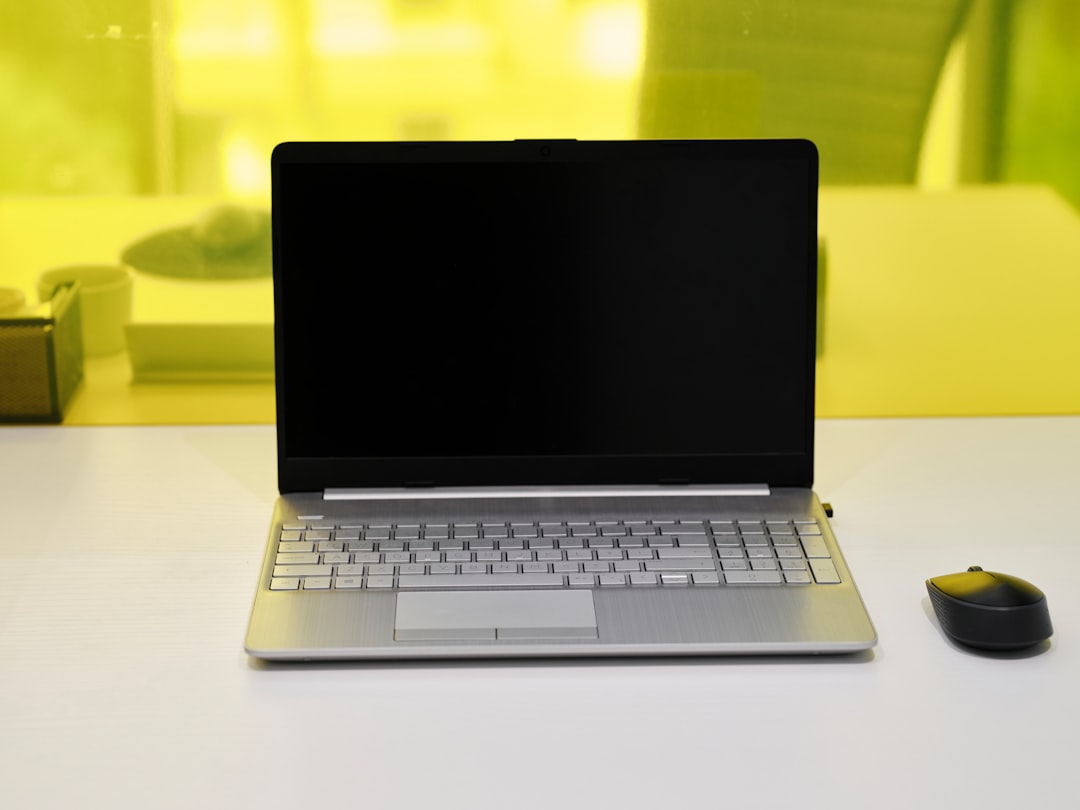
Thermals deserve special attention. A thin laptop that looks appealing may throttle under sustained workloads such as continuous builds or Docker container clusters. Devices with advanced cooling—vapor chambers or dual-fan systems—offer more stable long-term performance.
Memory: Why 16GB Is Often the Bare Minimum
Development environments are memory-intensive. Running an IDE, browser tabs, containers, databases, and communication apps simultaneously can easily exceed 16GB of RAM.
Recommended RAM guidelines for 2026:
- 16GB: Entry-level professional development
- 32GB: Ideal for full-stack, AI, and backend developers
- 64GB+: Machine learning engineers or heavy virtualization users
Because many modern laptops have soldered memory, upgradeability may be limited. Developers should consider buying more RAM upfront to ensure longevity over a 4–5 year lifecycle.
Storage Speed and Capacity
Fast storage dramatically impacts build times, project indexing, and database performance. NVMe Gen4 or Gen5 SSDs are widely available in 2026 and offer substantial improvements in speed.
Developers should prioritize:
- At least 1TB SSD storage
- High read/write speeds (7,000MB/s or higher)
- Expandable storage slots, if possible
Large repositories, Docker images, AI models, and virtual machines consume space quickly. Cloud storage is helpful, but local speed still matters greatly during active development.
Display Quality and Ergonomics
Developers spend countless hours staring at screens. A poor display can strain the eyes and reduce productivity.
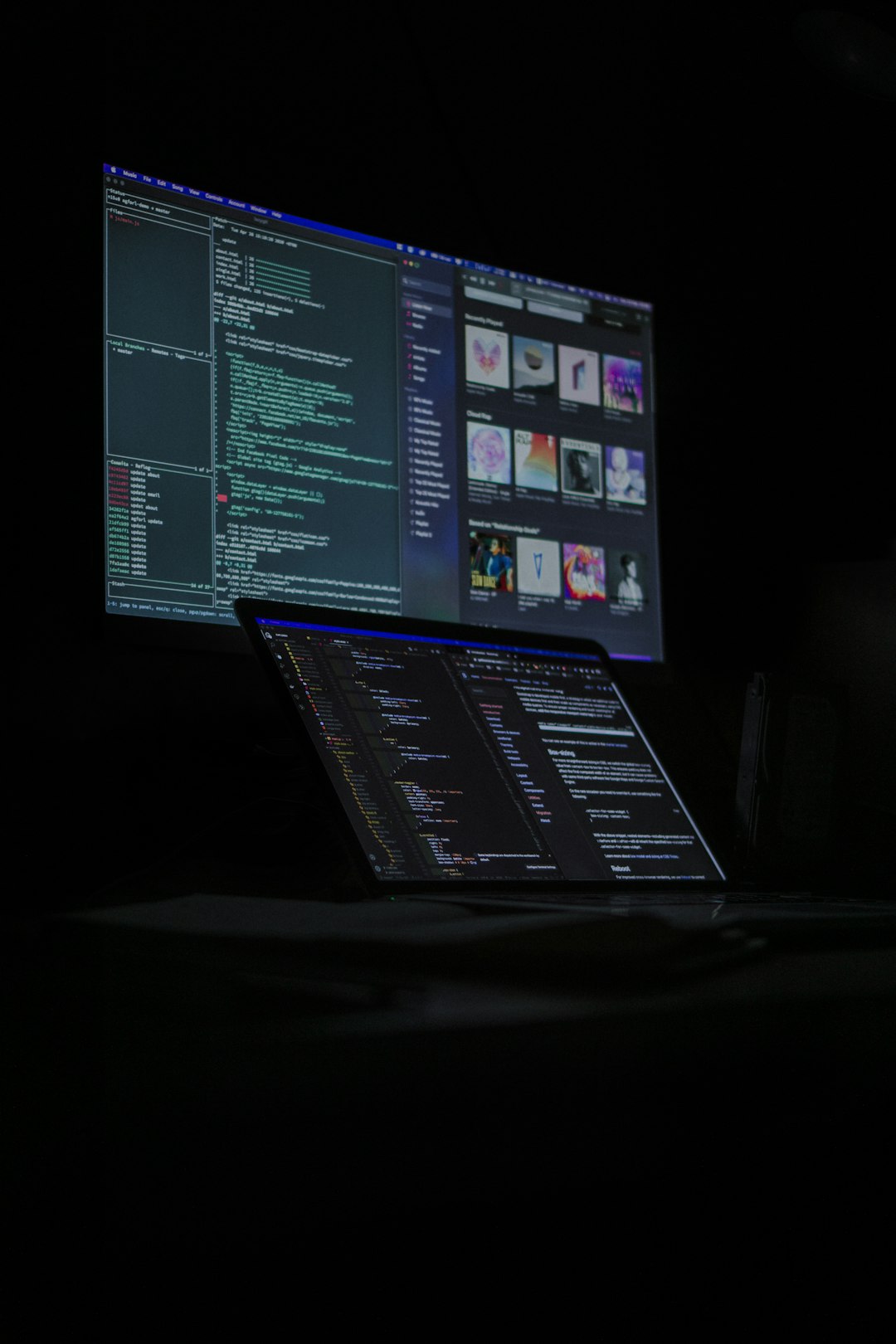
Key display features to consider:
- Resolution: 2560×1600 or higher is ideal
- Panel type: IPS or OLED for better color and contrast
- Refresh rate: 90Hz or above for smoother scrolling
- Brightness: 400+ nits for versatile working environments
Matte screens reduce glare in office environments, while OLED panels provide deeper contrast, which many developers prefer when using dark themes. Additionally, a 16:10 or 3:2 aspect ratio offers more vertical space for reading and writing code.
Battery Life and Portability
Remote work and hybrid environments demand strong battery performance. Developers frequently work in cafés, co-working spaces, or during travel.
A good developer laptop in 2026 should offer:
- 10–15 hours of real-world battery life
- Fast charging technology
- Weight under 1.8 kg (4 lbs) for portability
Efficiency-focused chips significantly improve unplugged coding sessions. However, high-performance dedicated GPUs may reduce battery longevity. Developers must decide whether GPU power outweighs portability benefits.
Operating System Considerations
The operating system shapes compatibility, productivity, and workflow. In 2026, the three dominant ecosystems remain Linux, macOS, and Windows.
Linux remains a favorite among backend and DevOps engineers. Native package management, scripting, and container support make it highly flexible.
macOS is popular for its UNIX foundation and strong compatibility with web and mobile (especially iOS) development.
Windows, enhanced by seamless Linux subsystem integration and improved terminal environments, serves developers working in enterprise or .NET ecosystems.
The right choice ultimately depends on target platforms and personal workflow preferences. Developers should verify toolchain compatibility before purchasing hardware tied to a specific OS.
Graphics Capabilities: When Do They Matter?
Not every developer needs a powerful GPU. For web or backend development, integrated graphics are usually sufficient.
However, a dedicated GPU becomes important for:
- Game development
- Machine learning model training
- 3D rendering and simulation
- AR/VR development
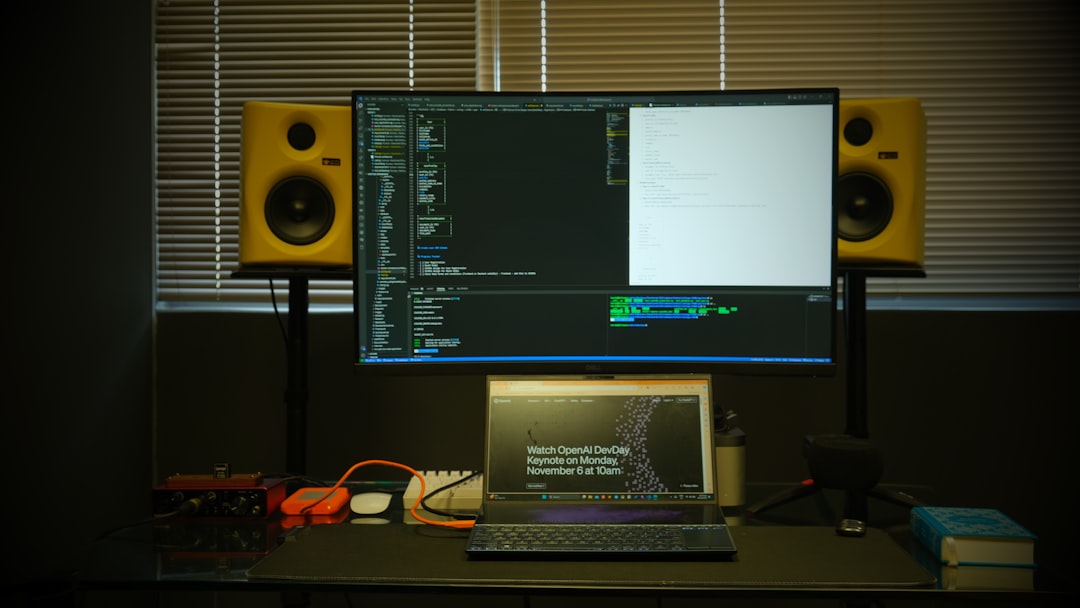
In 2026, external GPU (eGPU) support through high-speed ports offers flexibility. Developers can maintain a lightweight ultraportable device while connecting to desktop-grade graphics at a workstation.
Connectivity and Ports
Modern development setups often require multiple peripherals: external monitors, keyboards, debugging devices, and storage drives.
Developers should look for:
- Thunderbolt or USB4 ports
- HDMI or DisplayPort outputs
- High-speed Wi-Fi (Wi-Fi 7)
- Reliable Bluetooth connectivity
Some ultra-thin laptops sacrifice ports for aesthetics. In such cases, investing in a high-quality docking station becomes essential.
Keyboard and Build Quality
The keyboard is a developer’s primary interface. Comfortable key travel, clear tactile feedback, and durable switches significantly improve daily productivity.
Metal chassis designs enhance durability, especially for frequent travelers. Spill resistance and reinforced hinges also extend longevity. Developers planning multi-year usage should prioritize reliability over stylistic appeal.
Future-Proofing and Longevity
Technology evolves rapidly, but a well-chosen laptop should remain viable for at least four years.
Future-proofing strategies include:
- Choosing higher RAM and storage configurations upfront
- Selecting CPUs with additional performance cores
- Ensuring compatibility with evolving AI-assisted development tools
AI-powered coding tools are now deeply integrated into development environments. Laptops equipped with dedicated neural processing units (NPUs) can deliver smoother on-device AI inference and improved privacy.
Budget Considerations
Developer laptops in 2026 range widely in price. Premium ultrabooks may cost significantly more but deliver refined build quality, displays, and battery life.
A practical breakdown:
- $1,000–$1,500: Solid mid-range development laptop
- $1,500–$2,500: High-performance professional machine
- $2,500+: Specialized workloads such as AI training or advanced game design
Investing in quality hardware often pays off through improved efficiency and fewer performance frustrations.
Matching the Laptop to the Developer Type
Different developers benefit from different priorities:
- Web Developers: Balanced CPU, 16–32GB RAM, high-resolution display
- Mobile Developers: Platform-specific OS compatibility and fast simulators
- Backend Engineers: High RAM, strong multi-core processing
- AI Engineers: Dedicated GPU and AI acceleration hardware
- Game Developers: Powerful GPU and color-accurate display
By aligning hardware choices with professional demands, developers avoid overspending on unnecessary features while ensuring optimal performance where it matters most.
Conclusion
Choosing the right laptop in 2026 requires thoughtful evaluation of performance, memory, storage, display quality, and portability. Developers must balance mobility with raw computing power and consider how emerging technologies like AI acceleration shape their workflows. There is no universal “best” laptop—only the one best suited to specific development tasks and long-term career needs. A strategic purchase ensures smoother workflows, stronger productivity, and fewer hardware limitations for years to come.
Frequently Asked Questions (FAQ)
-
Is 16GB of RAM enough for developers in 2026?
For light to moderate development, yes. However, many professionals find 32GB more suitable for multitasking, containers, and AI-assisted tools. -
Should developers choose ARM or x86 laptops?
ARM laptops offer excellent efficiency and battery life. The decision depends on software compatibility and whether specific development tools support the architecture. -
Do all developers need a dedicated GPU?
No. Dedicated GPUs are mainly important for AI, 3D, or game development. Web and backend developers typically do not require one. -
How much storage is recommended?
At least 1TB is advisable for professional development work, especially when using containers and virtual machines. -
How long should a developer laptop last?
With proper specifications and build quality, a well-chosen laptop should remain productive for four to five years.