
As digital communication platforms become ever more essential in our day-to-day lives, the reliability of apps like TextFree is increasingly important. Known for its free texting and calling services, TextFree is a widely-used tool, especially among users looking to maintain privacy while staying connected. However, users occasionally encounter issues that hinder their experience—one such recurring problem is the error “Request Failed with Error 7063.” This error can be frustrating, especially when it disrupts your communication or prevents access to vital functionalities.
TL;DR
Error 7063 on TextFree typically signals a communication issue between the app and its servers, often due to outdated app versions, poor internet connectivity, or corrupted app data. To fix it, try updating your app, checking your network, clearing your cache, or reinstalling the application. If none of these solutions work, contacting TextFree support is the best next step. Ignoring the issue might lead to disruptions in service.
What Is Error 7063 on TextFree?
Error 7063 is a generic communication failure that occurs when the TextFree app is unable to complete a server request. This failure can be caused by a variety of issues, including:
- Intermittent or weak internet connections
- Outdated app versions
- Missing or corrupted app data
- Device-level bugs or compatibility issues
Understanding the root cause of this error is crucial, as it helps avoid temporary or ineffective fixes that don’t address the actual problem.
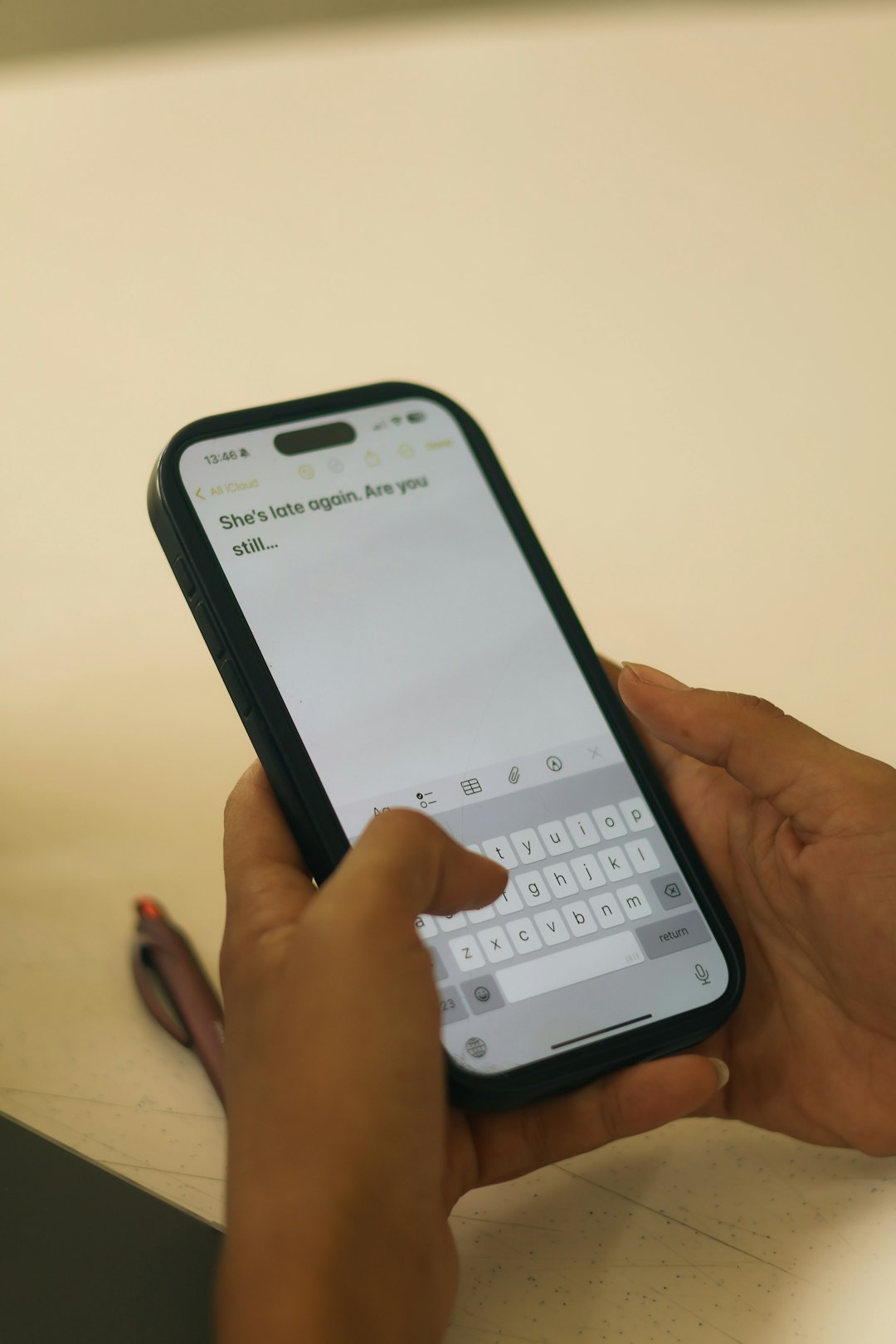
Common Symptoms Associated with Error 7063
Users encountering Error 7063 often report the following symptoms:
- “Cannot send messages” prompt
- App screen freezing or crashing unexpectedly
- An alert stating “Request Failed with Error 7063” during login or message dispatch
- Inability to refresh recent conversations or updates
Although these symptoms may seem unrelated at first, they typically relate to a failure in how the app communicates with external or internal servers.
Step-by-Step Guide to Fix Error 7063
1. Check Your Internet Connection
The most frequent cause of Error 7063 is an unreliable or slow internet connection. Before diving into more advanced solutions, ensure your network is stable.
- Try switching from Wi-Fi to cellular data or vice versa.
- Restart your router or modem.
- Use an internet speed test app or website to check connection reliability.
Tip: Lightweight apps like TextFree heavily rely on constant, unbroken data transfers. Even minor internet inconsistencies can cause API request failures.
2. Update the TextFree App
Applications are updated regularly to fix bugs and improve server compatibility. Running an outdated version of TextFree could lead to unexpected errors such as 7063.
- Go to the App Store (iOS) or Google Play Store (Android).
- Search for “TextFree” and see if an update is available.
- If yes, tap Update, and restart the app after installation.
3. Clear App Cache and Data
Sometimes accumulated cache and corrupted temporary files interfere with the app’s ability to make requests efficiently.
- Android: Go to Settings > Apps > TextFree > Storage, then tap Clear Cache and Clear Data.
- iOS: While iOS doesn’t offer the same manual clearing option, you can uninstall and reinstall the app to achieve a similar result.
Note: Clearing app data might log you out. Be ready with your login details when restarting the app.
4. Reinstall the App
If updating or clearing the cache doesn’t resolve the issue, a full reinstall can refresh all app resources and connections to servers.
- Uninstall TextFree completely from your device.
- Restart your device to remove residual temporary files.
- Reinstall TextFree from your app marketplace.
5. Check for Device Compatibility or Software Updates
Some errors may be caused by incompatibilities between the TextFree app and your device’s operating system.
- Ensure your device’s OS is up to date: Settings > Software Update.
- Check TextFree support documentation for supported device models and software versions.
6. Disable VPN or Proxy Services
VPNs or proxies might interfere with how TextFree communicates with its servers, leading to request failure errors.
- Temporarily disable your VPN/proxy and relaunch the application.
- If the app functions properly afterward, consider whitelisting TextFree in your VPN settings.
7. Contact TextFree Support
If none of the above methods resolve the issue, you may be dealing with a more complex server-side problem or account-specific restriction. Contacting the official support team may give you access to additional diagnostics or a permanent fix.
- Visit TextFree Support.
- Create a support ticket with relevant details: error code, device model, OS version, and steps already taken.
Preventing Future Occurrences of Error 7063
While some technical glitches can’t be avoided, there are best practices that can minimize the chances of encountering error messages like 7063 in the future.
Tips for Prevention:
- Keep the TextFree app updated regularly.
- Avoid using the app on public or unstable Wi-Fi networks.
- Don’t overload your app with unnecessary stored messages and media.
- Perform regular cache clear-outs to maintain optimal performance.
When to Escalate the Issue
If you’ve attempted all troubleshooting steps and the error persists over several days, it’s likely an issue beyond user-end control. This could mean:
- TextFree servers are undergoing maintenance or outages.
- Your IP address is mistakenly flagged for unusual activity.
- Your device is experiencing a narrower hardware or firmware-related issue.
In such cases, continue to monitor TextFree’s Twitter handle or Status Page for real-time updates, and maintain communication with the support team for updates and resolution timelines.
Conclusion
Error 7063 on TextFree isn’t fatal to your usage of the app, but if left unresolved, it can drastically limit your communication capabilities. By systematically troubleshooting the issue—starting with checking your internet, clearing the cache, updating the app, and eventually contacting support—you significantly increase your chances of fixing the error without professional intervention. The next time you see “Request Failed with Error 7063,” you’ll know not just what it means, but how to resolve it confidently and effectively.