In a world where digital presence defines brands, careers, and creative expression, choosing the right image editor is no longer a casual decision. Whether you are a professional designer, content creator, marketer, or photographer, your tools directly influence the quality, efficiency, and impact of your visual work. The best image editor is not simply the one with the most features; it is the one that combines precision, flexibility, performance, and reliability into a cohesive creative environment.
TLDR: The best image editor blends precision tools, intelligent automation, and professional-grade output to produce stunning visuals efficiently. Top contenders include Adobe Photoshop, Affinity Photo, GIMP, and Canva, each suited to different expertise levels and budgets. Professionals prioritize advanced layer control and color management, while beginners may value ease of use and templates. The ideal choice depends on workflow needs, performance expectations, and long-term creative goals.
What Defines a Great Image Editor?
Before comparing specific tools, it is essential to understand the characteristics that distinguish a truly exceptional image editor from the average ones. Reliability and depth are non-negotiable, but usability remains equally critical.
- Advanced Layer Management: Non-destructive editing, smart objects, blending modes, and grouping capabilities.
- Color Accuracy: Support for RGB, CMYK, LAB color spaces, and ICC profiles.
- High-Resolution Support: Ability to manage large files without crashing or lagging.
- Retouching and Enhancement Tools: Healing brushes, cloning tools, AI-based enhancements.
- Extensibility: Plugin support and integration with other creative software.
- Performance Optimization: GPU acceleration and efficient memory usage.
These capabilities separate hobbyist-level editing from professional visual production.
Image not found in postmetaTop Image Editors in 2026
Several tools consistently stand out in the competitive landscape of digital editing. Each offers distinct strengths and appeals to different user profiles.
1. Adobe Photoshop
Best for: Professional designers, photographers, digital artists.
Adobe Photoshop remains the industry standard. It offers unparalleled control over image manipulation, from advanced compositing and retouching to detailed typography work. Its AI-powered tools streamline processes such as object selection, background removal, and generative fill.
Strengths:
- Comprehensive editing capabilities
- Advanced masking and layering system
- Extensive plugin ecosystem
- Professional color grading and RAW handling
Limitations:
- Subscription-based pricing
- Steeper learning curve for beginners
2. Affinity Photo
Best for: Professionals seeking a powerful one-time purchase alternative.
Affinity Photo delivers advanced image editing without requiring a subscription. It supports PSD files, offers strong layer control, and handles large files efficiently. Its performance optimization is especially noteworthy on high-resolution projects.
Strengths:
- One-time payment model
- Professional-grade tools
- Excellent performance
Limitations:
- Smaller plugin ecosystem
- Less integrated cloud collaboration
3. GIMP
Best for: Budget-conscious users and open-source enthusiasts.
GIMP is a free, open-source image editor offering substantial capability. While its interface may not be as polished as commercial alternatives, it remains powerful for photo retouching, graphic design, and compositing.
Strengths:
- Completely free
- Customizable interface
- Active community support
Limitations:
- Less intuitive workflow
- Limited native CMYK support
4. Canva
Best for: Marketers, social media managers, beginners.
Canva excels in accessibility and speed. While it lacks the deep pixel-level control of Photoshop or Affinity Photo, it compensates with templates, drag-and-drop functionality, and streamlined collaboration features.
Strengths:
- User-friendly interface
- Extensive template library
- Cloud-based collaboration
Limitations:
- Limited advanced editing tools
- Less suitable for high-end professional retouching
Comparison Chart
| Feature | Adobe Photoshop | Affinity Photo | GIMP | Canva |
|---|---|---|---|---|
| Pricing Model | Subscription | One-time purchase | Free | Freemium |
| Professional Retouching | Excellent | Excellent | Good | Basic |
| Layer Management | Advanced | Advanced | Moderate | Limited |
| Ease of Use | Moderate | Moderate | Moderate | Very Easy |
| Cloud Collaboration | Yes | Limited | No | Strong |
| Best For | Professionals | Professionals | Budget users | Beginners, marketers |
Key Features That Create Stunning Visuals
Software alone does not guarantee quality, but certain features greatly enhance creative potential.
Non-Destructive Editing
Non-destructive workflows allow creators to experiment freely. Adjustment layers, smart filters, and editable masks ensure that original image data remains intact.
Precision Selection Tools
Accurate object selection enables seamless composites and professional retouching. AI-assisted selection tools have dramatically reduced manual labor while improving accuracy.
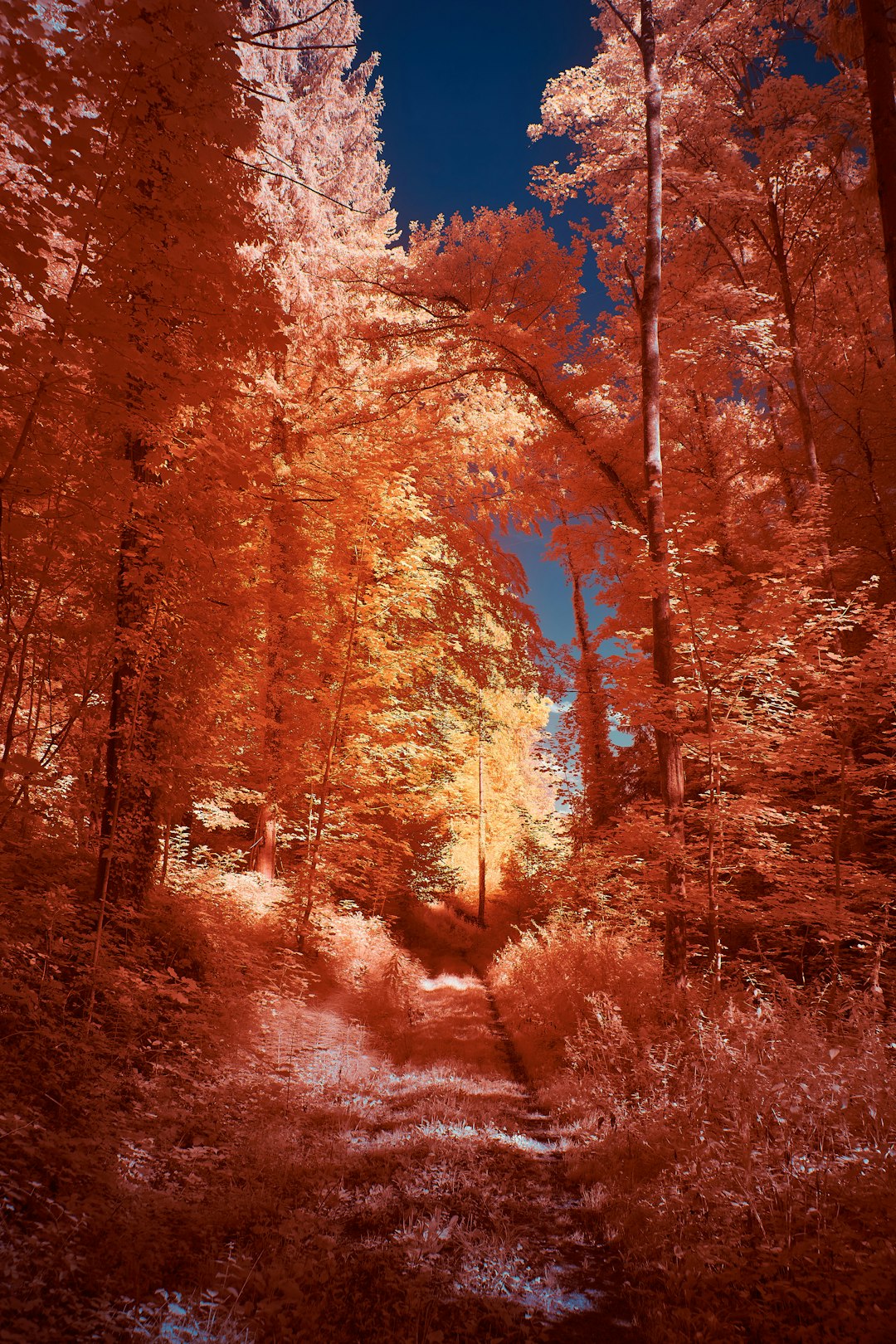
Advanced Color Grading
Color defines mood. Editors that offer curves, LUT support, selective color control, and high bit-depth processing provide superior tonal precision.
Typography and Graphic Integration
Modern visual content often integrates photography with text and illustrations. Strong typography tools, vector support, and layout capabilities expand creative possibilities.
Choosing the Right Editor for Your Needs
Selecting the best image editor requires aligning your goals with the tool’s strengths. Consider the following questions:
- What is your primary purpose? Photography, social media graphics, web design, or print publishing?
- What is your skill level? Beginner, intermediate, or professional?
- Do you need collaboration features? Cloud access may be essential for teams.
- What is your budget? Subscription versus one-time purchase versus free solution.
For high-end commercial retouching, Photoshop or Affinity Photo are serious contenders. For fast-paced digital marketing visuals, Canva may be more efficient. Open-source users with technical comfort may find GIMP fully sufficient.
The Role of Artificial Intelligence
AI has transformed image editing from labor-intensive manual processes into semi-automated workflows. Features such as background removal, object replacement, and intelligent upscaling have significantly shortened production time.
However, professionals treat AI as an assistant rather than a replacement. Manual refinement remains vital for authenticity and artistic control.
Performance and Hardware Considerations
Even the most powerful editor cannot compensate for insufficient system resources. Serious visual work often requires:
- Minimum 16GB RAM for large projects
- SSD storage for faster file access
- Dedicated GPU for accelerated rendering
- High-resolution color-accurate monitor
Investing in hardware enhances stability, rendering speed, and overall editing experience.
Security and Reliability
Professional-grade image editors must offer stability and dependable file recovery options. Frequent crashes or corrupted files can jeopardize commercial deadlines. Reputable software providers prioritize consistent updates, security patches, and customer support.
Final Thoughts
The best image editor for stunning visual creations is ultimately the one that aligns with your expertise, ambitions, and workflow demands. Adobe Photoshop leads in professional depth and ecosystem integration. Affinity Photo provides remarkable value without recurring costs. GIMP remains a powerful open-source alternative, while Canva prioritizes accessibility and efficiency.
A serious creative professional evaluates tools not by hype, but by their capacity for precision, performance, and growth. In digital art and visual communication, the difference between average and exceptional often lies in subtle refinements. Choosing a capable image editor is not merely a software decision; it is an investment in the quality and credibility of your creative output.
When your tools are reliable, your ideas can reach their full visual potential.