Finding the right image search engine is no longer just about browsing photos—it is about accuracy, licensing clarity, reverse image detection, creative inspiration, and professional usability. While Google Images remains the dominant player, many professionals, researchers, designers, and marketers are actively seeking robust alternatives that offer distinct advantages in quality, privacy, filtering tools, or specialized databases.
TL;DR: Several powerful alternatives to Google Images provide better privacy, higher-quality photography, specialized image databases, and advanced reverse search capabilities. Platforms like Bing Images, DuckDuckGo Images, Shutterstock, Unsplash, and TinEye each serve different needs, from commercial licensing to visual discovery. Choosing the right one depends on whether you prioritize free stock, copyright safety, facial recognition avoidance, or reverse lookup precision. Understanding their strengths helps you select the most suitable tool for your workflow.
Why Consider Alternatives to Google Images?
Although Google Images dominates the search landscape, it has limitations. Licensing filters are sometimes unclear, reverse image matches may not always be comprehensive, and privacy-conscious users may prefer platforms that limit tracking. Creative professionals often need more structured metadata, curated libraries, or royalty-free options without legal ambiguity.
Below are five strong alternatives that stand out for reliability, functionality, and professional credibility.
1. Bing Images
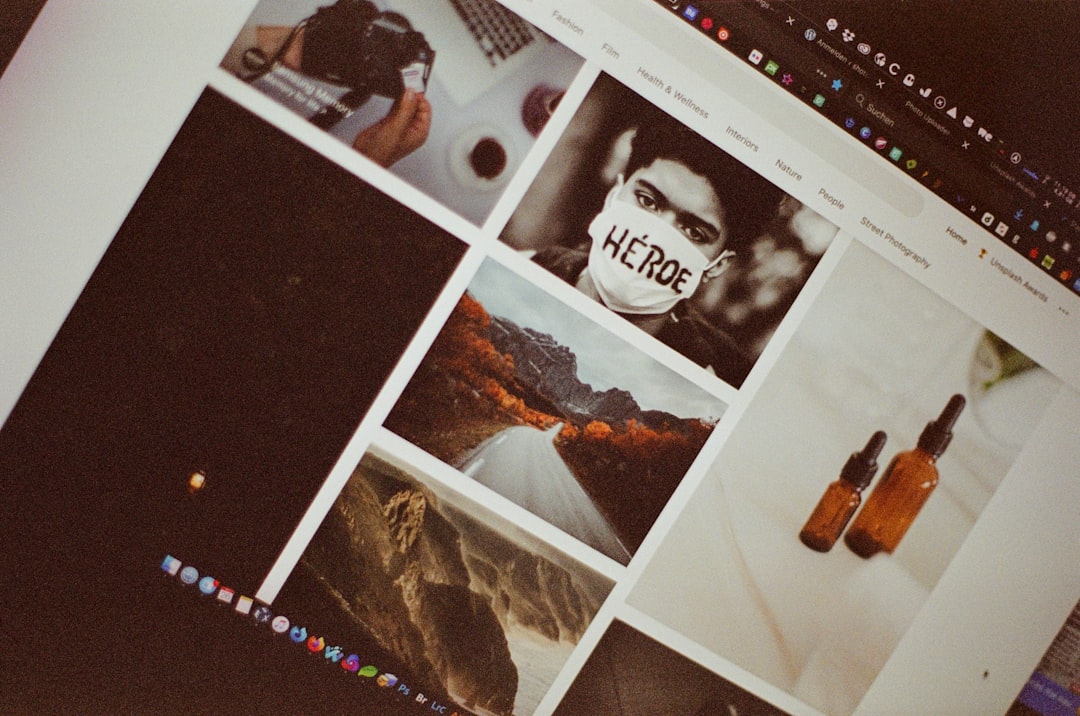
Bing Images is often overlooked, yet it provides one of the most comprehensive and visually appealing search experiences available. Powered by Microsoft’s search engine, Bing Images offers filtering capabilities that rival—and sometimes exceed—Google’s interface.
Key Advantages:
- Advanced filtering options (size, layout, color, type, license)
- Integrated visual search tool for identifying objects within images
- Clean and visually immersive interface
- Strong international search performance
The Visual Search feature deserves particular attention. It allows users to crop a section of an image to find matching or related content—useful for identifying products, landmarks, or specific objects.
For users seeking a mainstream alternative with excellent filtering tools, Bing Images is a reliable option.
2. DuckDuckGo Images
DuckDuckGo has positioned itself as a privacy-first search engine, and its image search functionality follows the same principle. It does not track user activity or personalize search results based on behavioral profiling.
Key Advantages:
- No user tracking
- Clear usage rights filters
- Minimalist interface
- Reduced ad intrusion
Professionals concerned about data collection practices often prefer DuckDuckGo. While its image index may not be as expansive as Google’s, it provides dependable results for general use.
If privacy is your primary concern, DuckDuckGo Images stands as one of the most trustworthy alternatives available.
3. Shutterstock
Shutterstock is not a traditional search engine but rather a premium stock image platform. However, it represents a powerful alternative for users seeking high-quality, licensed images for commercial projects.

Key Advantages:
- Extensive commercial licensing options
- High-resolution professional photography
- Strong search metadata and tagging
- Editorial and creative image collections
Unlike general search engines, Shutterstock ensures that every image comes with clear licensing terms. For marketers, publishers, and businesses, this eliminates legal ambiguity.
Although it requires payment, the reliability and legal security make it an essential alternative for professional environments.
4. Unsplash
Unsplash has grown into one of the most respected free stock photography platforms. It offers high-resolution images contributed by photographers worldwide under a generous license.
Key Advantages:
- Free high-resolution images
- Attractive and modern interface
- Strong community curation
- Simple licensing structure
Unlike random web searches that may create copyright uncertainty, Unsplash provides clarity. Most images can be used commercially without attribution (though credit is encouraged).
Designers, bloggers, and startup founders often rely on Unsplash for clean, aesthetically strong imagery without financial investment.
5. TinEye
TinEye excels in a specific area where many traditional search engines fall short: reverse image search precision. Rather than focusing on general browsing, TinEye specializes in tracking where an image appears online.

Key Advantages:
- Highly accurate reverse image lookup
- Image tracking and monitoring tools
- No facial recognition technology
- Sort by oldest or newest appearance
Journalists, copyright holders, and digital investigators frequently use TinEye to verify image origins or identify misuse. It is particularly valuable in detecting altered or resized versions of original images.
While it is not a traditional browsing engine, its specialization makes it indispensable in professional contexts.
Comparison Chart
| Platform | Best For | Licensing Clarity | Reverse Search | Privacy Focus | Cost |
|---|---|---|---|---|---|
| Bing Images | General image browsing | Moderate | Yes | Standard | Free |
| DuckDuckGo Images | Private searching | Moderate | Limited | High | Free |
| Shutterstock | Commercial projects | Very High | No | Standard | Paid |
| Unsplash | Free stock photography | High | No | Standard | Free |
| TinEye | Reverse image tracking | N/A | Very Strong | High | Free / Paid plans |
How to Choose the Right Alternative
The ideal platform depends on your specific needs:
- If you need a general-purpose search engine with strong filtering tools, choose Bing Images.
- If privacy is your priority, opt for DuckDuckGo Images.
- If you require licensed, professional images, invest in Shutterstock.
- If you want free and high-quality creative content, explore Unsplash.
- If you need reverse image verification, rely on TinEye.
In many professional workflows, multiple tools are used in combination. For example, a content creator may search Bing for reference ideas, confirm originality through TinEye, and ultimately download a licensed asset from Shutterstock.
Final Thoughts
Google Images remains an influential and powerful tool, but it is not the only viable option. As privacy concerns grow, copyright complexities increase, and creative demands evolve, diversified image search strategies are becoming more common.
Each alternative listed here brings a distinct strength: broader filtering, dataset specialization, professional licensing, privacy-first search, or reverse image excellence. Understanding these differences allows you to move beyond default habits and select a tool that aligns with your objectives.
For professionals who value reliability and clarity, exploring these five alternatives is not merely optional—it is a strategic advantage.