
User experience and user interface design have evolved dramatically over the past decade. Modern digital products demand rapid iteration, tight collaboration, and seamless handoffs between designers, developers, and stakeholders. As deadlines shrink and expectations rise, design teams increasingly depend on specialized applications to streamline prototyping and collaboration without sacrificing quality. Choosing the right tools can significantly reduce friction, improve communication, and accelerate product delivery.
TLDR: The best UX/UI design apps accelerate prototyping and collaboration by combining real-time editing, interactive components, version control, and developer handoff features. Tools like Figma, Adobe XD, Sketch, Axure RP, InVision, and Marvel streamline workflows and minimize miscommunication. The right choice depends on team size, technical complexity, and collaboration needs. Investing in the appropriate platform improves speed, transparency, and product consistency.
Why Speed and Collaboration Matter in Modern UX/UI
Today’s product cycles are faster than ever. Agile and lean methodologies require designers to test ideas quickly, gather feedback, and iterate continuously. Without efficient tools, teams risk:
- Delays caused by time-consuming manual updates
- Misalignment between designers and developers
- Version control confusion
- Inconsistent design systems
Modern UX/UI apps eliminate many of these bottlenecks by providing centralized collaboration spaces, reusable components, and clickable prototypes that simulate real-world experiences.
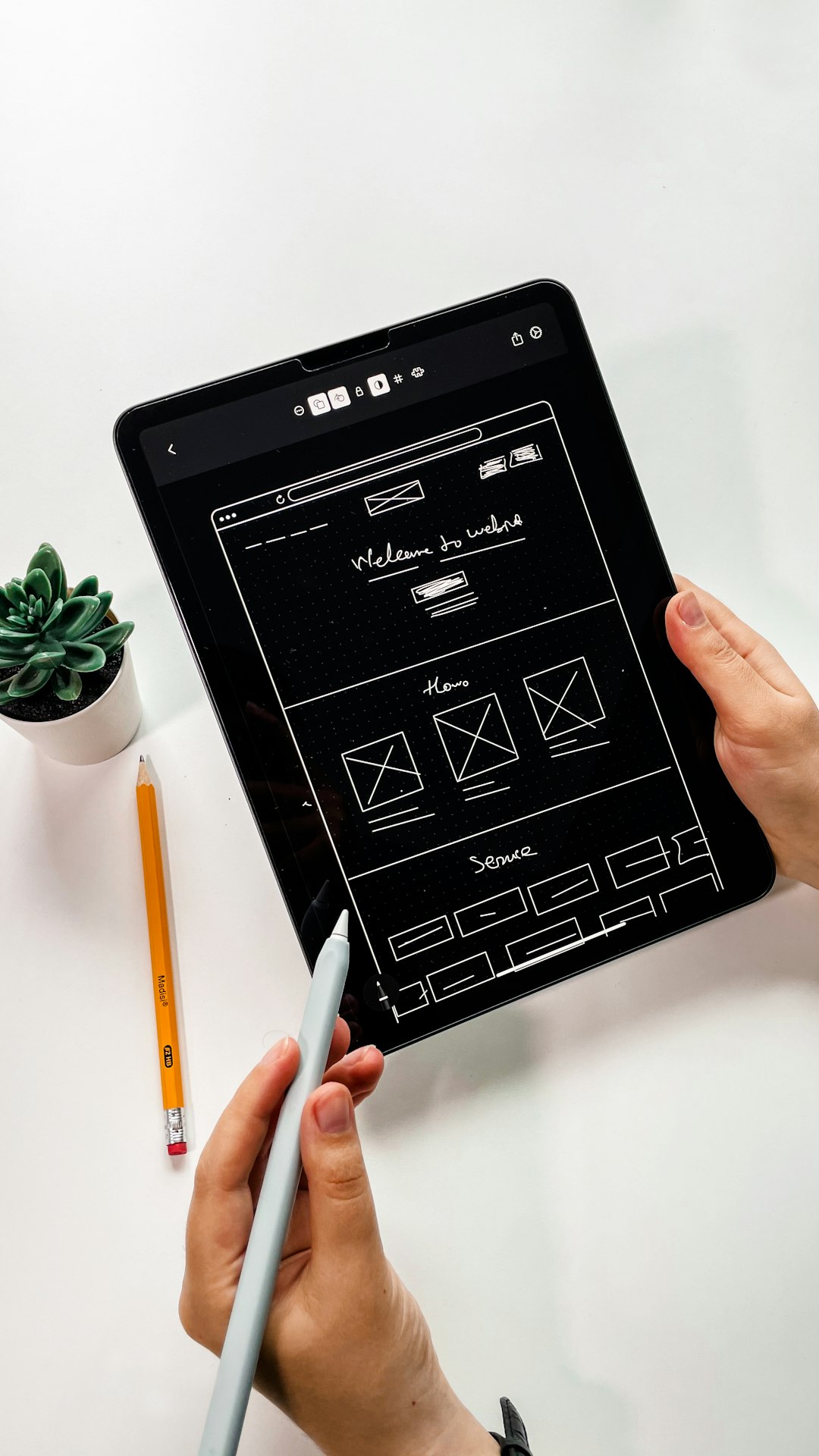
Key Features That Accelerate Prototyping
Before examining specific tools, it’s important to understand the capabilities that truly enhance productivity. The most effective UX/UI applications typically include:
- Real-time collaboration – Multiple users editing simultaneously
- Interactive prototyping – Clickable flows without coding
- Reusable components – Design systems and shared libraries
- Auto layout and responsive design tools – Faster adaptation to various screen sizes
- Developer handoff features – CSS snippets, asset exports, and specifications
- Version history – Easy rollbacks and controlled iteration
These features reduce repetitive work and foster alignment across departments.
Leading UX/UI Design Apps for Faster Workflows
1. Figma
Figma has become a dominant force in UX/UI design due to its cloud-based infrastructure. It allows multiple team members to design, comment, and prototype simultaneously within a browser-based environment.
Strengths:
- True real-time collaboration
- Browser access with no installation required
- Robust component systems
- Smooth developer handoff tools
Figma significantly reduces file-sharing friction and eliminates version confusion, making it ideal for distributed teams.
2. Adobe XD
Adobe XD integrates well within the Adobe ecosystem and offers solid prototyping capabilities. Its repeat grid feature enables fast duplication of UI patterns, which dramatically shortens creation time for large interfaces.
Strengths:
- Seamless integration with other Adobe tools
- Interactive prototype creation
- Voice prototyping support
- Shared design systems
3. Sketch
Sketch remains popular among macOS users and is particularly effective for UI design and component-based workflows. Though originally offline-focused, it now includes collaboration features in its cloud offering.
Strengths:
- Lightweight and fast interface
- Extensive plugin ecosystem
- Strong symbol and component reuse
4. Axure RP
Axure RP stands out for complex, high-fidelity prototypes that simulate advanced interactions and conditional logic. It is particularly valuable for enterprise environments requiring detailed functional validation.
Strengths:
- Advanced logic and dynamic content
- Detailed documentation generation
- Ideal for complex application flows
5. InVision
InVision has long been known for its strong collaboration and prototyping capabilities. While its focus has shifted over time, it remains helpful for visual collaboration and stakeholder feedback.
Strengths:
- Comment-based feedback
- Clickable prototypes
- Whiteboarding features
6. Marvel
Marvel is designed with simplicity in mind. It enables wireframing and prototyping with minimal setup, making it attractive to startups or teams needing quick validation.
Strengths:
- User-friendly interface
- Quick prototype generation
- Usability testing integration
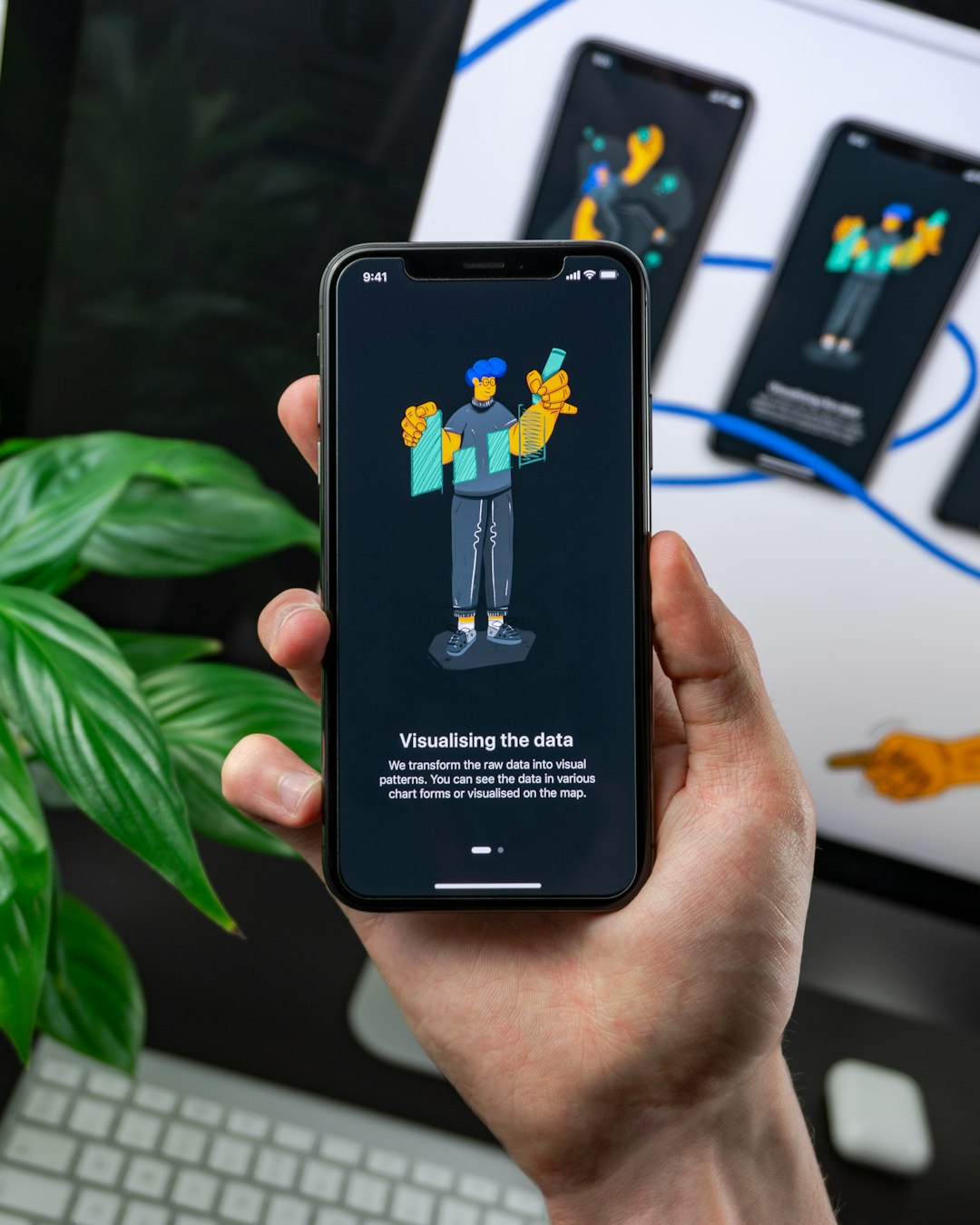
Comparison Chart
| Tool | Best For | Collaboration | Prototyping Depth | Platform |
|---|---|---|---|---|
| Figma | Distributed teams | Excellent real-time | High | Web-based |
| Adobe XD | Adobe ecosystem users | Strong | High | Desktop + Cloud |
| Sketch | macOS designers | Moderate to strong | Moderate | macOS |
| Axure RP | Enterprise complexity | Moderate | Very high | Desktop |
| InVision | Stakeholder feedback | Strong | Moderate | Web-based |
| Marvel | Rapid validation | Good | Moderate | Web-based |
How These Apps Improve Collaboration
Speed alone is not enough. The real impact of modern UX/UI platforms lies in how they bridge communication gaps between:
- Designers and developers
- Product managers and stakeholders
- Internal and remote teams
Collaboration features such as in-app commenting, shared libraries, and live editing minimize the need for lengthy email threads and fragmented feedback cycles. When developers can inspect spacing, typography, and color codes directly from the prototype, implementation becomes more precise and efficient.
Design Systems and Component Libraries
A crucial factor in speeding up prototyping is the creation of reusable components. Design systems standardize UI elements such as buttons, input fields, and navigation modules.
Apps like Figma, Sketch, and Adobe XD allow teams to:
- Create master components
- Share libraries across projects
- Update global styles instantly
This prevents inconsistencies and drastically reduces repetitive work.
Handoff Efficiency: From Design to Development
One of the most significant historical pain points in UX/UI workflows has been developer handoff. Static files required manual specification documents, increasing the margin for misinterpretation.
Modern tools now offer:
- Automatic CSS and style extraction
- Asset export in multiple resolutions
- Pixel measurement inspection tools
- Integrated documentation panels
By centralizing assets and specifications, teams shorten development cycles and reduce the likelihood of errors.
Security and Version Control
For enterprise organizations, speed must be balanced with security. Many contemporary UX/UI platforms offer controlled access, permission levels, and version histories. This ensures that:
- Only authorized users can edit master components
- Historical versions can be restored instantly
- Audit trails support compliance needs
Version control also fosters experimentation without fear of permanent loss, encouraging design innovation.
Choosing the Right App for Your Team
No single application is universally superior. Selection depends on several considerations:
- Team size – Larger teams benefit from cloud-based real-time tools.
- Project complexity – Advanced applications may require tools like Axure RP.
- Integration requirements – Compatibility with development or asset management systems.
- Budget constraints – Subscription and licensing models vary significantly.
Careful evaluation ensures that the tool enhances efficiency rather than adding unnecessary complexity.
Conclusion
UX/UI design apps have transformed how digital products are conceived, refined, and delivered. By enabling real-time collaboration, robust prototyping, reusable design systems, and streamlined developer handoff, these platforms significantly reduce production timelines. When implemented thoughtfully, they not only accelerate workflows but also improve clarity and alignment across teams.
In an increasingly competitive digital landscape, organizations that leverage powerful UX/UI tools gain a critical advantage. Faster iteration means quicker validation, better user experiences, and more successful product launches. Selecting the appropriate design application is therefore not merely a technical decision—it is a strategic one.