
In today’s fast-moving digital landscape, website previews have become a crucial part of how we share, analyze, and showcase content online. Whether you’re building a social media scheduler, creating a link preview service, designing marketing reports, or archiving web content, the ability to generate clean, accurate screenshots of websites is invaluable. This is where website screenshot tools—such as Urlbox and similar services—step in, offering scalable, automated ways to capture high-quality website previews.
TLDR: Website screenshot tools like Urlbox allow developers and businesses to automatically generate website previews at scale. They use headless browsers and cloud infrastructure to capture accurate, customizable screenshots of web pages. These tools are essential for SaaS platforms, marketers, and developers who need fast, reliable visual representations of web content. Choosing the right solution depends on scalability, customization options, rendering accuracy, and pricing.
What Are Website Screenshot Tools?
Website screenshot tools are services or APIs that programmatically capture images of web pages. Instead of manually taking screenshots in a browser, these tools use automated systems—often powered by headless Chrome or Chromium browsers—to render a page and generate an image file.
The core idea is simple:
- Send a URL to the API.
- The service loads the page in a virtual browser.
- It captures a screenshot according to your configuration.
- You receive an image file or a hosted image link.
Behind this simple workflow lies sophisticated infrastructure that handles JavaScript-heavy websites, dynamic content, authentication, screen sizes, and scaling across thousands—or even millions—of requests.
Why Website Previews Matter
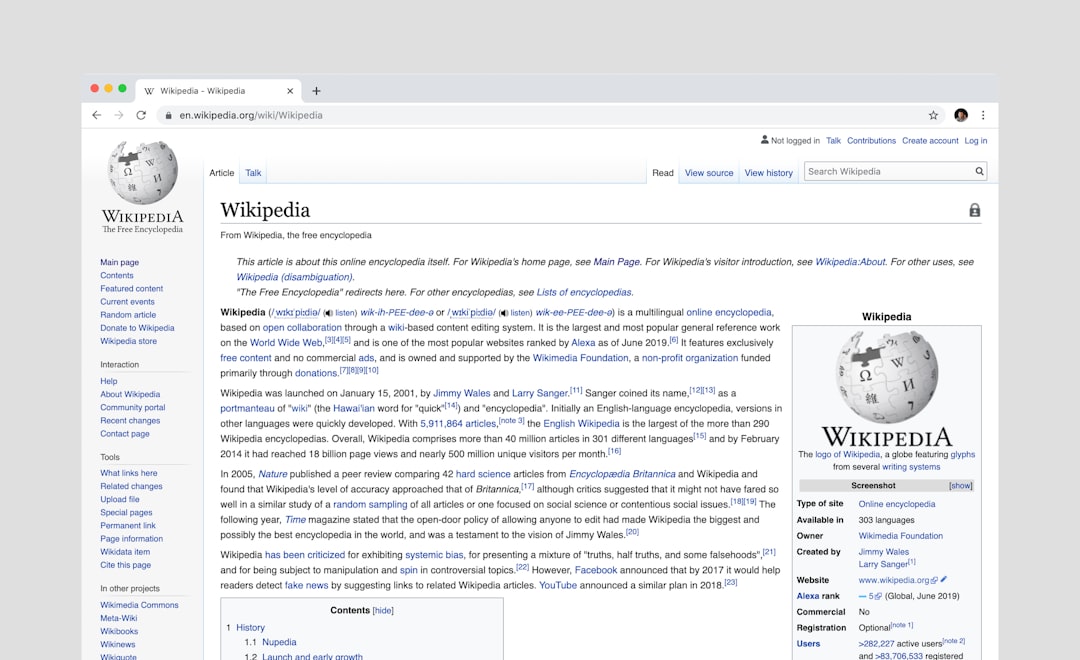
The visual web dominates how users consume information. Text links alone are often not enough to capture attention. Website previews enhance user experience, improve engagement, and provide context before a user clicks.
Here are some common use cases:
- Social media management tools generating preview cards.
- Bookmarking platforms that show visual thumbnails of saved sites.
- SEO and analytics tools tracking layout changes over time.
- Website monitoring services detecting visual regressions.
- Online communities and forums embedding link previews.
- Marketing agencies creating client reports with live previews.
Without automated screenshot tools, delivering these features would require complex infrastructure and ongoing maintenance.
How Tools Like Urlbox Work
Most modern website screenshot services operate using headless browser technology. A headless browser is a web browser without a graphical user interface. It loads and renders web pages just like Chrome or Firefox would—but runs entirely in the background.
The typical process includes:
- Request Handling: An API endpoint receives your screenshot request.
- Page Rendering: A headless browser loads the page, executes JavaScript, and waits for network activity to finish.
- Customization Application: The system applies rules such as viewport size, device type, delay timing, or CSS injection.
- Image Capture: The page is converted into a PNG, JPEG, or WebP image.
- Delivery: The file is returned or stored on a CDN for fast global access.
Advanced tools also support:
- Full-page screenshots (not just above the fold)
- Mobile device emulation
- Custom user agents
- Authentication via cookies or login scripts
- Blocking ads or cookie banners
- Scheduled captures
Key Features to Look For
Not all screenshot APIs are created equal. Choosing the right one depends on your use case. Here are some critical features to consider:
1. Rendering Accuracy
The tool should accurately render JavaScript-heavy and SPA (Single Page Application) websites. Poor rendering results in broken previews and unreliable output.
2. Speed and Scalability
If you’re generating thousands of previews per hour, the tool must scale without delays. Look for services backed by strong cloud infrastructure.
3. Customization Options
- Viewport dimensions
- Full-page vs. clipped view
- Delay before screenshot
- Custom CSS injection
- Geolocation selection
4. Caching and CDN Delivery
Efficient caching reduces costs and improves load speed by serving previously generated screenshots from edge locations.
5. Security and Privacy
Ensure the provider responsibly handles private URLs, sensitive login sessions, and secure data transmission.
Popular Website Screenshot Tools
Several platforms compete in this space. Below is a comparison of well-known website screenshot services used by developers and businesses.
Image not found in postmeta
| Tool | Strengths | Best For | Supports Full Page | API Access |
|---|---|---|---|---|
| Urlbox | Highly customizable, scalable infrastructure, strong JS rendering | SaaS platforms and high-volume apps | Yes | Yes |
| ScreenshotAPI.net | Simple integration, browser rendering options | Small to mid-size projects | Yes | Yes |
| ApiFlash | Built on AWS Lambda, Chrome-based rendering | Developers needing AWS flexibility | Yes | Yes |
| Microlink | Not just screenshots, rich metadata extraction | Content preview platforms | Limited | Yes |
| Browserless | Headless browser automation platform | Advanced automation workflows | Yes | Yes |
When Should You Use an API Instead of Building Your Own?
It might seem tempting to build your own screenshot system using Puppeteer or Playwright. While this works for small-scale projects, production use quickly introduces complexity.
Challenges of building in-house include:
- Managing browser crashes and memory leaks
- Handling scaling during traffic spikes
- Maintaining regional servers
- Keeping browser versions updated
- Securing infrastructure from misuse
Dedicated screenshot APIs remove these burdens, allowing teams to focus on product development rather than infrastructure maintenance.
Real-World Applications
SaaS Platforms
Many SaaS companies offer preview features inside dashboards. For example, a marketing analytics platform may show how a landing page appears across devices.
Link Shorteners
Modern URL shorteners often generate preview thumbnails for branded sharing pages.
Content Aggregators
News aggregators and bookmarking tools provide preview snapshots to make browsing more visually intuitive.
Website Monitoring
Visual regression tools use automated screenshots to compare past and present versions of web pages, detecting layout shifts or design changes.
Image not found in postmeta
Best Practices for Generating Website Previews
To maximize performance and quality, follow these best practices:
- Use Caching Strategically: Avoid regenerating screenshots unnecessarily.
- Set Appropriate Delays: Allow dynamic content enough time to load.
- Define Consistent Viewports: Maintain uniform preview appearance.
- Optimize Image Formats: Use WebP for lighter file sizes when possible.
- Block Unwanted Elements: Remove popups and cookie banners where allowed.
Consistency in your rendering rules ensures that your previews look professional and reliable.
Performance and Cost Considerations
Pricing for screenshot tools typically depends on:
- Number of screenshots per month
- Rendering complexity
- Full-page capture length
- Geographical rendering requirements
High-resolution, full-page screenshots consume more resources. If your application only requires thumbnails, resizing or cropping early in the pipeline can reduce costs significantly.
Look for providers that offer predictable pricing tiers and transparent billing models.
The Future of Website Screenshot Technology
The future of website preview generation lies in smarter automation and richer integrations. AI-powered enhancements are already emerging, such as:
- Automatic element detection and focus cropping
- Intelligent content summaries alongside previews
- Real-time visual change alerts
- Integrated performance insights with visual context
As websites become more dynamic and interactive, screenshot tools will need to adapt by supporting WebGL, complex animations, and real-time applications without sacrificing speed.
Final Thoughts
Website screenshot tools like Urlbox have transformed how developers and businesses create visual representations of the web. Instead of wrestling with browser infrastructure and scaling headaches, teams can plug into reliable APIs that deliver polished, consistent previews in seconds.
From SaaS products and marketing dashboards to bookmarking services and monitoring platforms, automated website previews are now a foundational feature in modern web applications. By understanding the capabilities, trade-offs, and best practices of these tools, you can choose a solution that aligns with your goals—and deliver a more engaging, visual experience to your users.
In a world where first impressions are often visual, the ability to generate fast, accurate, and scalable website previews is no longer a luxury. It’s an essential piece of the digital toolkit.