QR codes have become a powerful bridge between the physical and digital worlds. From restaurant menus and event tickets to marketing campaigns and business cards, these simple square codes make sharing information fast and contactless. The good news is that creating them no longer requires graphic design experience or technical knowledge. Today, a wide range of free and paid QR code generators allow anyone to build professional-looking codes in minutes.
TLDR: Free and paid QR code generators make it easy for anyone to create professional QR codes without design skills. Free tools are ideal for simple, static codes, while paid platforms offer dynamic QR codes, analytics, and branding features. Choosing the right tool depends on your goals, budget, and need for tracking. This guide compares top options and explains what to look for before generating your next QR code.
Why QR Code Generators Matter
A QR code generator is an online tool that converts data—such as a website URL, contact details, Wi-Fi credentials, or a PDF—into a scannable code. Modern generators eliminate the need for coding or design expertise. With a few clicks, users can customize colors, add logos, and download high-resolution files ready for print or digital use.
For businesses, QR codes can:
- Drive traffic to websites or landing pages
- Enable contactless interactions such as mobile payments
- Share important documents instantly
- Track user engagement through scan analytics (with dynamic codes)
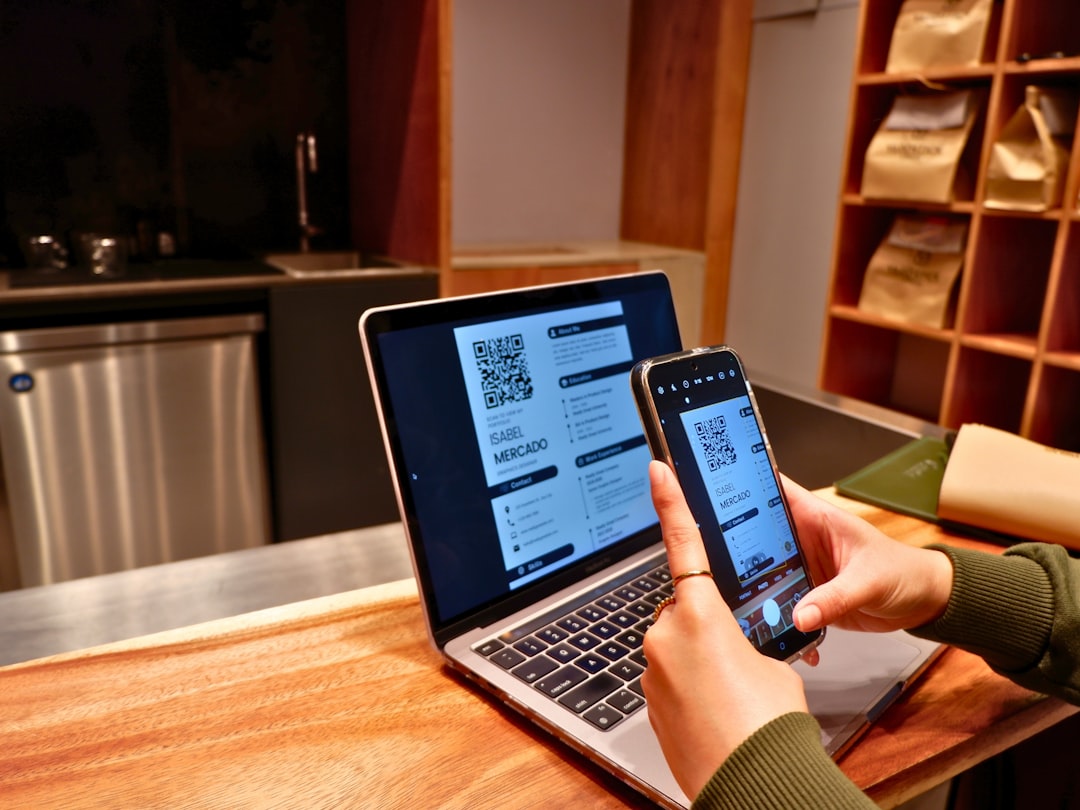
For individuals, they are useful for resumes, portfolios, party invitations, or sharing social media profiles.
Free QR Code Generators You Can Use Today
Free tools are ideal for simple, one-time use cases. Most generate static QR codes, meaning the encoded information cannot be edited after creation.
1. The QR Code Generator (Free Version)
This user-friendly platform allows users to create basic QR codes for URLs, text, email, SMS, and Wi-Fi. Its interface is intuitive, making it suitable for beginners.
- Easy customization options
- Instant download in PNG format
- No registration required for basic use
Limitations: Advanced tracking features require a paid upgrade.
2. QRCode Monkey
QRCode Monkey is popular for its design flexibility—without requiring design skills. Users can adjust colors, shapes, and add logos while still maintaining scan reliability.
- High-resolution vector downloads (SVG, EPS)
- Custom colors and shapes
- No scan limits
Limitations: No built-in analytics for free users.
3. GoQR.me
GoQR.me focuses on simplicity. It quickly generates QR codes for websites, text, vCards, and SMS messages. It is especially useful for quick, no-frills needs.
- Very fast generation
- Minimal interface
- Free downloads
Limitations: Limited customization options.
4. QRStuff (Free Tier)
QRStuff offers both free and paid plans. The free version supports several data types and basic color customization.
- Multiple data formats supported
- Basic color features
- Download in various resolutions
Limitations: Dynamic QR codes require a paid plan.
Paid QR Code Generators for Advanced Needs
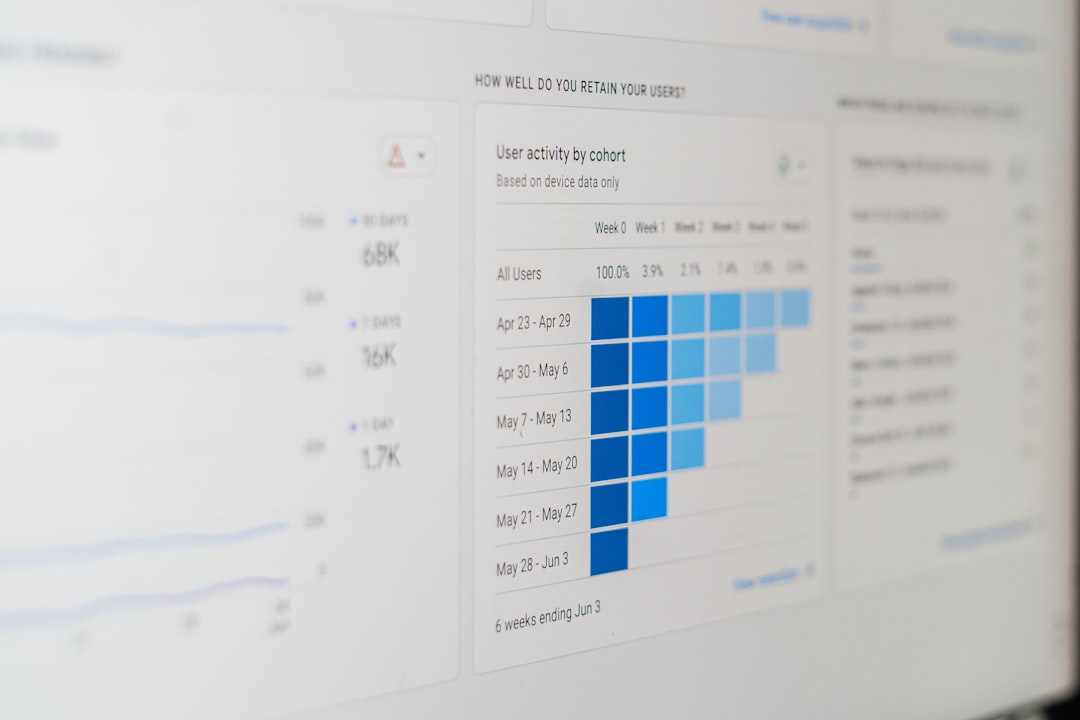
Paid platforms typically offer dynamic QR codes, which allow users to edit the destination URL or data even after printing. They also provide analytics such as scan location, device type, and frequency.
1. Beaconstac
Beaconstac is a premium solution designed for businesses and marketers. It focuses on scalability, branding, and data tracking.
- Dynamic QR codes
- Advanced analytics dashboard
- Custom domains
- Bulk generation
Best for: Marketing teams and enterprises.
2. Scanova
Scanova combines user-friendly design tools with in-depth tracking capabilities. It allows users to create QR codes for campaigns, business cards, and product packaging.
- Editable QR codes
- Campaign management tools
- Password-protected QR codes
Best for: Mid-sized businesses and agencies.
3. QR Code Generator Pro
This upgraded version of the free tool offers professional-level features including tracking and retargeting options.
- Dynamic QR codes
- Analytics and scan reports
- File storage for PDFs and images
Best for: Growing businesses and content marketers.
4. Flowcode
Flowcode emphasizes sleek design and performance tracking. It’s often used by creators, influencers, and startups.
- Simple dashboard
- Strong branding options
- Reliable scan performance
Best for: Personal branding and small businesses.
Comparison Chart: Free vs Paid QR Code Generators
| Tool | Free Plan | Dynamic Codes | Analytics | Best For |
|---|---|---|---|---|
| QRCode Monkey | Yes | No | No | Design flexibility |
| GoQR.me | Yes | No | No | Quick simple codes |
| Beaconstac | Trial | Yes | Yes | Enterprise marketing |
| Scanova | Trial | Yes | Yes | Campaign management |
| Flowcode | Limited | Yes | Yes | Branding and creators |
How to Choose the Right QR Code Generator
With so many tools available, selecting the right one depends on specific needs.
1. Determine Your Purpose
If the QR code will link to a permanent website page, a free static generator may be enough. However, if the link might change later, a dynamic option is safer.
2. Consider Branding Needs
Businesses often benefit from adding logos and brand colors. Tools like QRCode Monkey and Flowcode provide customization features without requiring design knowledge.
3. Evaluate Tracking Requirements
For marketing campaigns, analytics are invaluable. Paid tools help measure ROI by tracking:
- Number of scans
- Geographic location
- Time of scan
- Device type
4. Think About Scalability
Organizations generating hundreds of codes for packaging or events should consider bulk generation features offered by premium platforms.
Tips for Creating Effective QR Codes Without Design Skills
Even without a design background, users can follow simple best practices:
- Maintain contrast: Dark codes on light backgrounds scan best.
- Test before printing: Always scan the code with multiple devices.
- Avoid over-customization: Extreme design changes can reduce scannability.
- Add a call to action: Include text such as “Scan to learn more”.
- Use high resolution files: Especially for large prints.
Most importantly, simplicity often performs better than elaborate designs.
Free vs Paid: Which One Is Truly Better?
There is no one-size-fits-all answer. Free QR code generators are excellent for students, freelancers, and small projects. They are quick, accessible, and cost-effective.
Paid tools, however, provide measurable business value through editing flexibility and tracking insights. For ongoing marketing campaigns or product integrations, investing in a premium platform can prevent costly reprints and offer deeper performance data.
Ultimately, the “best” generator is the one that aligns with the user’s technical comfort level, marketing goals, and budget.
Frequently Asked Questions (FAQ)
1. What is the difference between static and dynamic QR codes?
Static QR codes contain fixed information that cannot be changed after creation. Dynamic QR codes allow users to edit the destination or content without changing the printed code and often include analytics.
2. Are free QR code generators safe to use?
Most reputable free QR code tools are safe. However, users should stick to well-known platforms and avoid downloading unnecessary software.
3. Do QR codes expire?
Static QR codes typically do not expire. Dynamic QR codes may expire if the subscription to the paid service ends.
4. Can a QR code include a logo?
Yes. Many generators allow users to embed a logo in the center of the QR code. It is important to ensure the design does not interfere with scannability.
5. How much do paid QR code generators cost?
Prices vary widely, generally ranging from $5 to $50 per month depending on features like analytics, bulk generation, and team access.
6. Do I need graphic design experience to customize a QR code?
No. Most modern generators feature drag-and-drop customization tools that make design adjustments simple and intuitive.
7. Can I track how many people scan my QR code?
Tracking is available with dynamic QR codes offered by paid plans. Free static codes usually do not include analytics.
By understanding the differences between free and paid QR code generators, anyone—from solo entrepreneurs to large enterprises—can create effective, professional QR codes without design skills. The key lies in selecting the right tool and applying simple best practices to ensure performance, clarity, and reliability.